Voice to Memory
Say it once. Find it later.
Speak a thought while your hands are busy. MemX saves it as a note you can search.
You remember the garage said to change the tyres, while you are walking and carrying shopping. You cannot type, so you let it go.
Free to start. No typing needed.
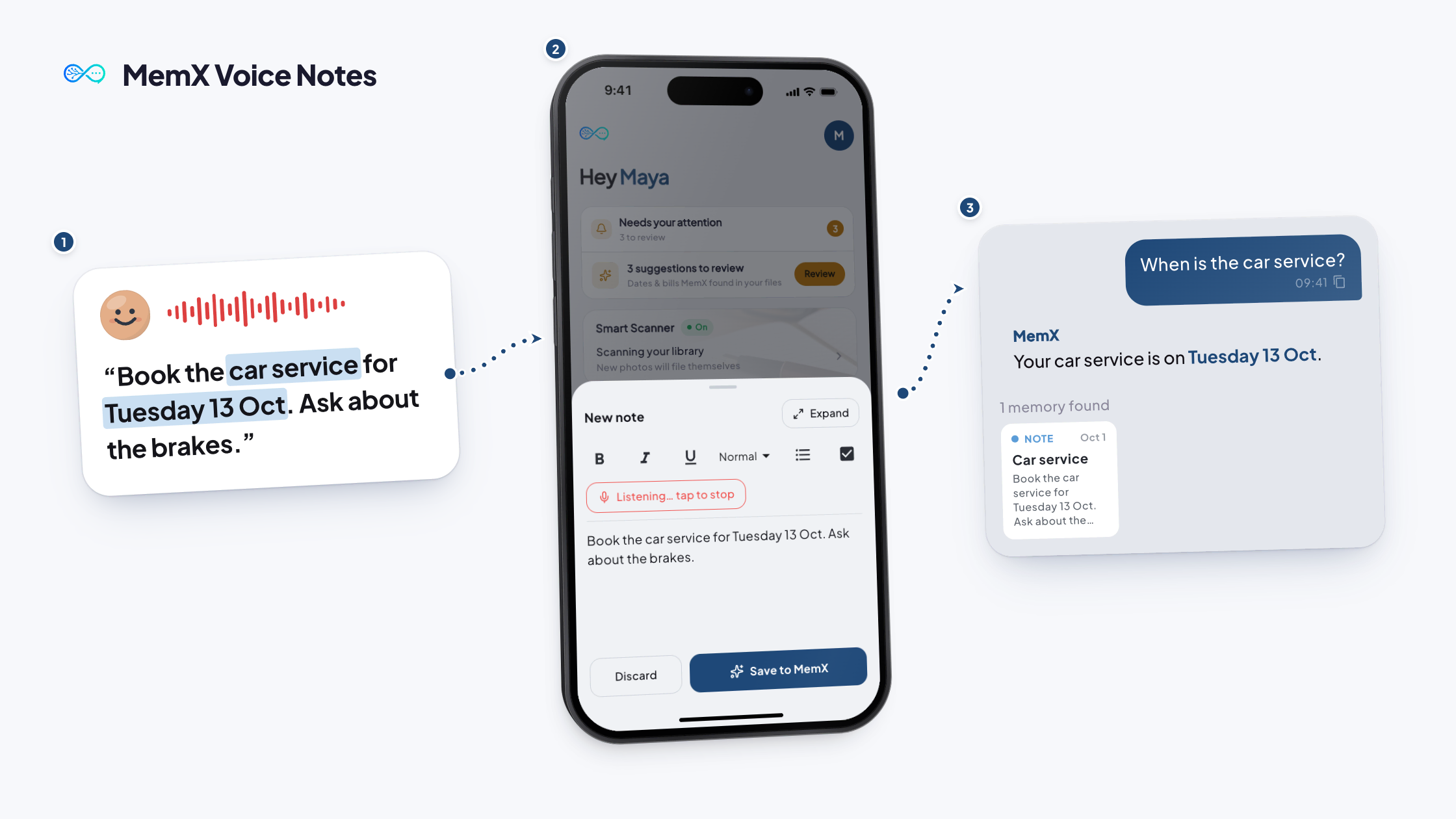
How it works
Three steps. No setup.
Talk. MemX turns your voice into a saved, searchable memory.
Free to start. No typing needed.
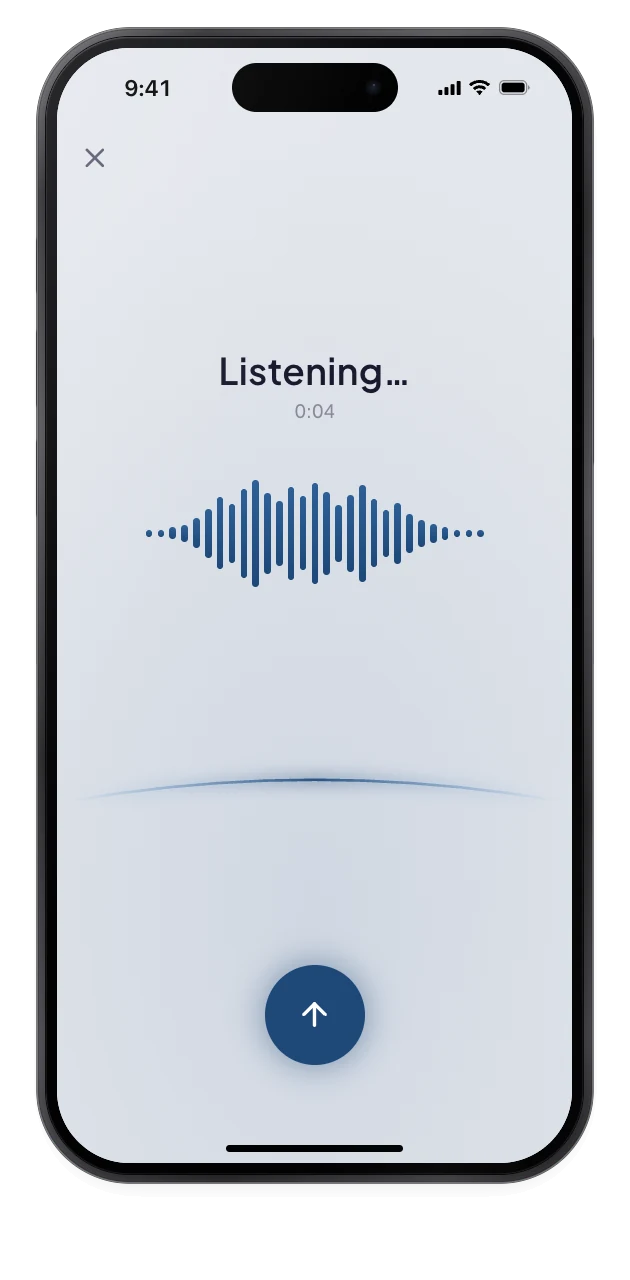
1Tap the mic
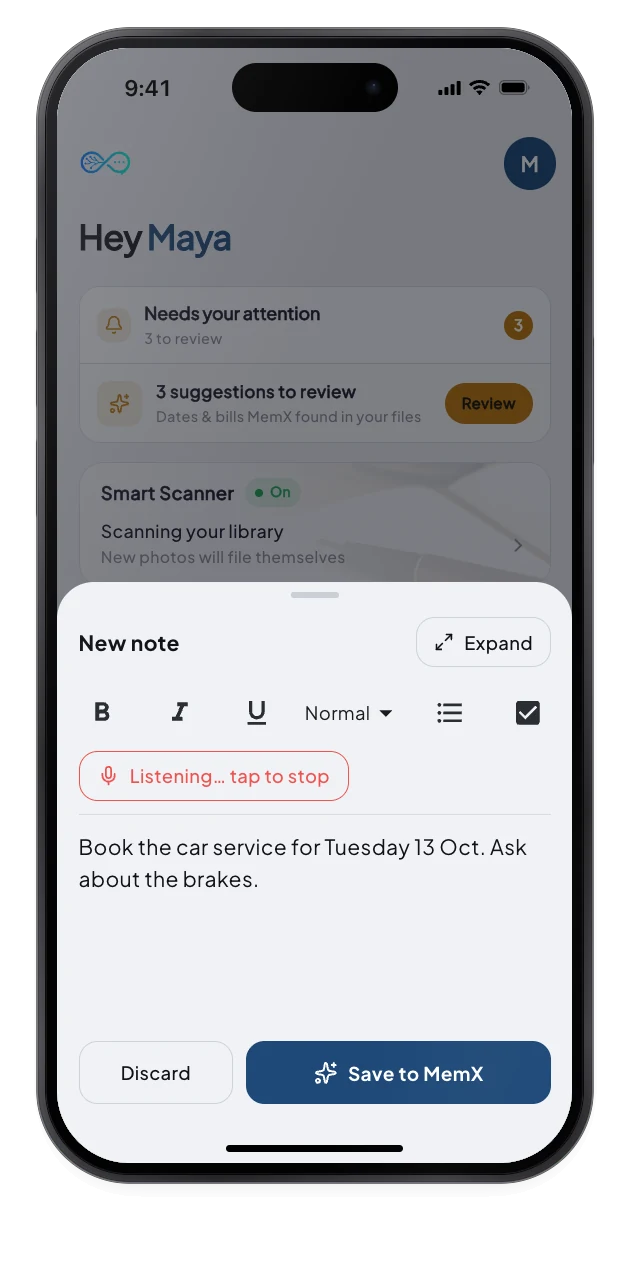
2Just talk
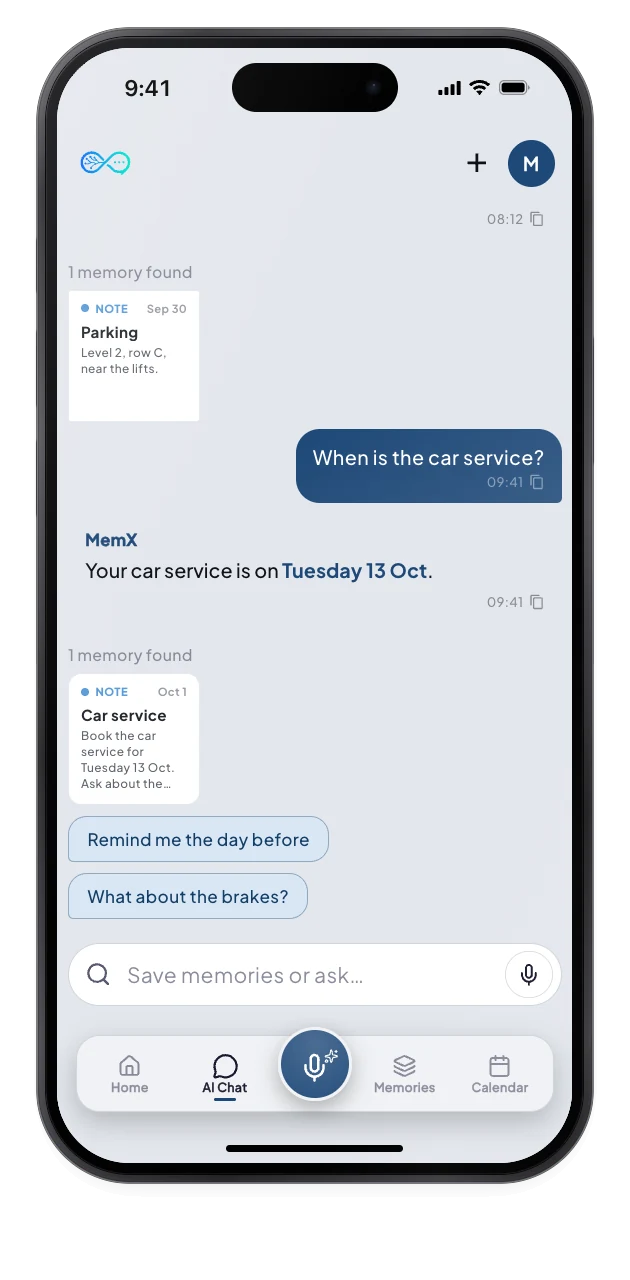
3Ask it later
What changes for you.
Your spoken thought comes back as a note, or as an answer when you ask.
Private by architecture: your notes are encrypted at rest and every read is logged.
Hands free
Talk when typing is awkward.
Any language
Speak the way you think.
Ask or save
Questions get answers, statements get saved.
Questions
How is voice different from typing a note?
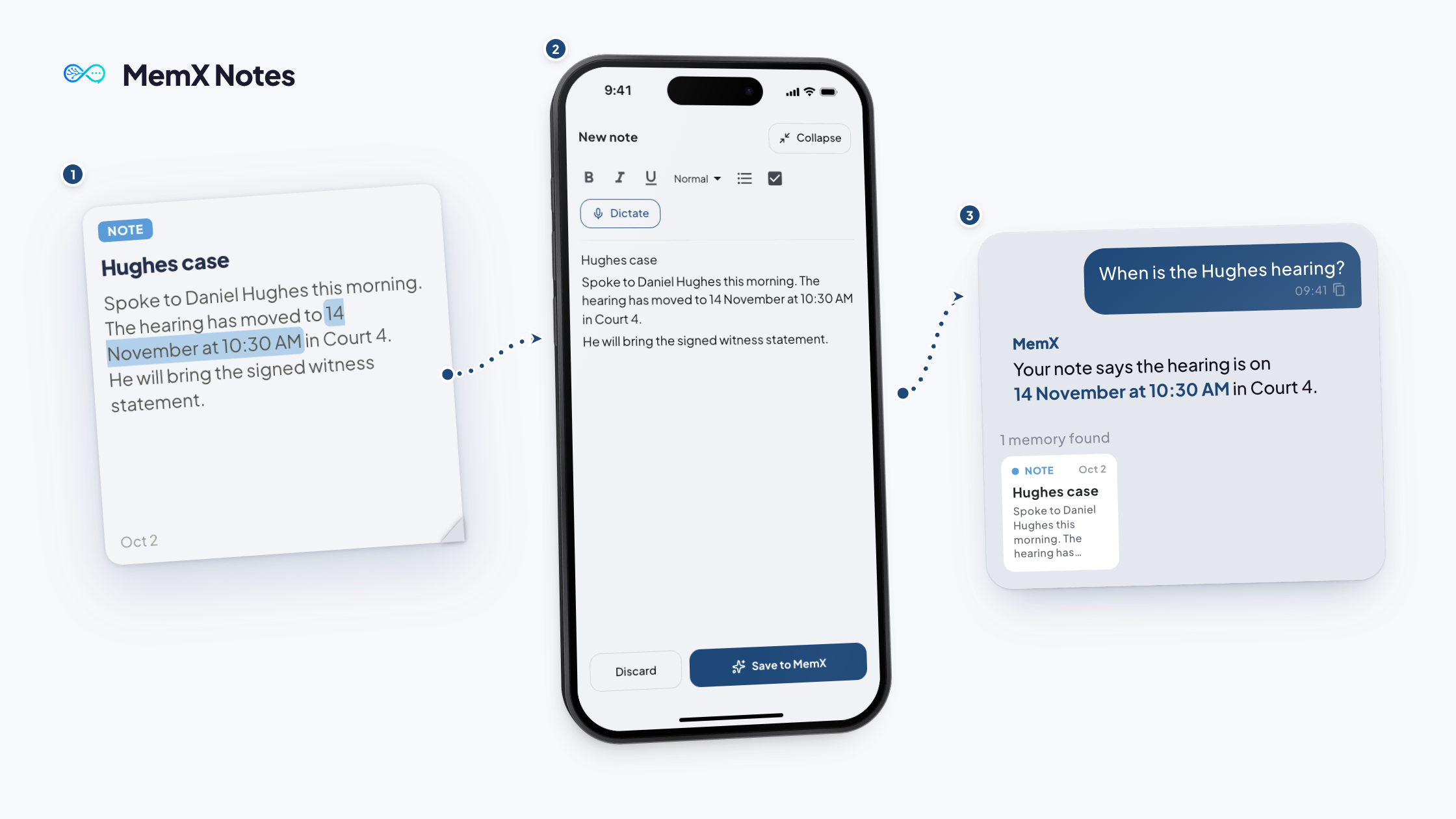
Same result, less effort. You speak, MemX turns it into text, and the memory is tagged and dated like any other note. Once it is saved, it is searchable and answerable in plain words.
Can I ask MemX a question by voice?
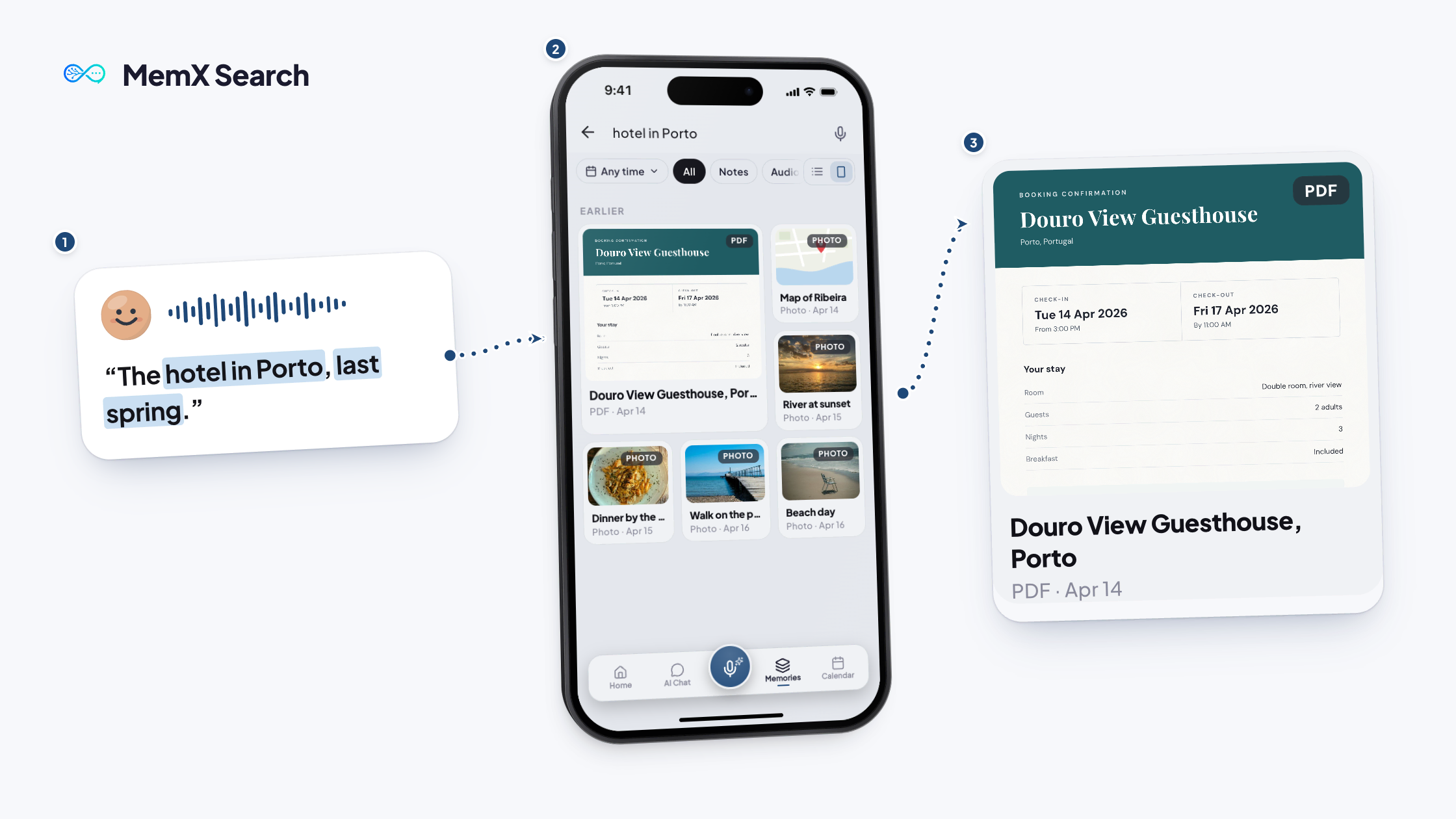
Yes. Tap the microphone in the dock, ask out loud, and MemX sends your question through the same chat answer flow. The answer appears on screen with its sources.
Does voice work in my language?
Yes. You can speak in any language, and MemX answers in the language and script you used. Mixed phrases are kept as you said them.
Is a voice note the same as a recording?
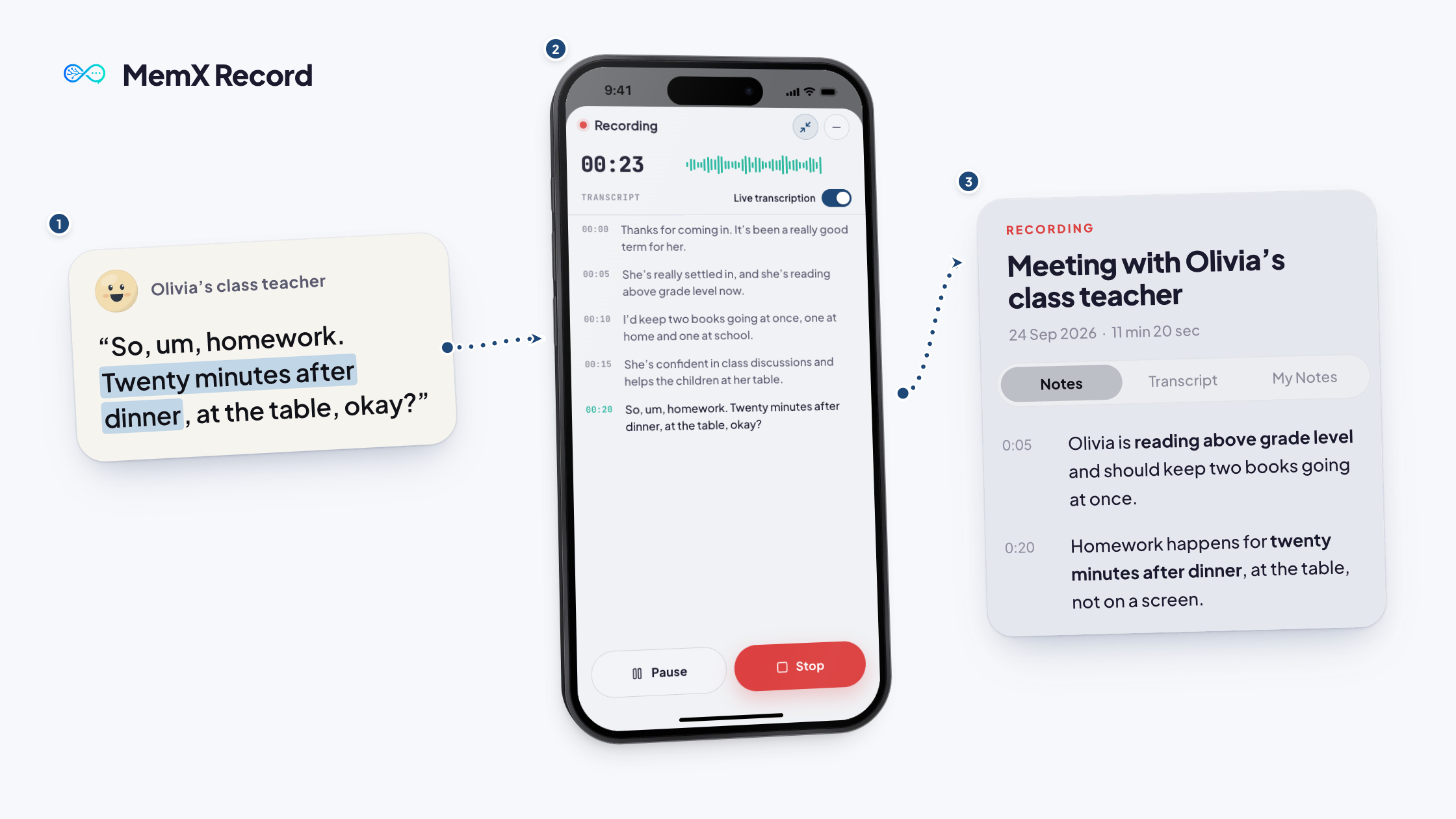
Not quite. Dictating turns your speech into text in the note editor. Record captures a longer voice memo with a live transcript and notes. Both end up as searchable memories.
Say it. MemX keeps it.
The best ideas arrive when you cannot type, and now they stay.
Free to start. No typing needed.