Document scanning
Scan the page. Find it later.
Scan a page with your camera. MemX saves a searchable PDF and reads the key facts.
A paper prescription and a printed flight booking sit in your bag. One gets crumpled, the other gets left behind.
Free to start. Scan with your camera.
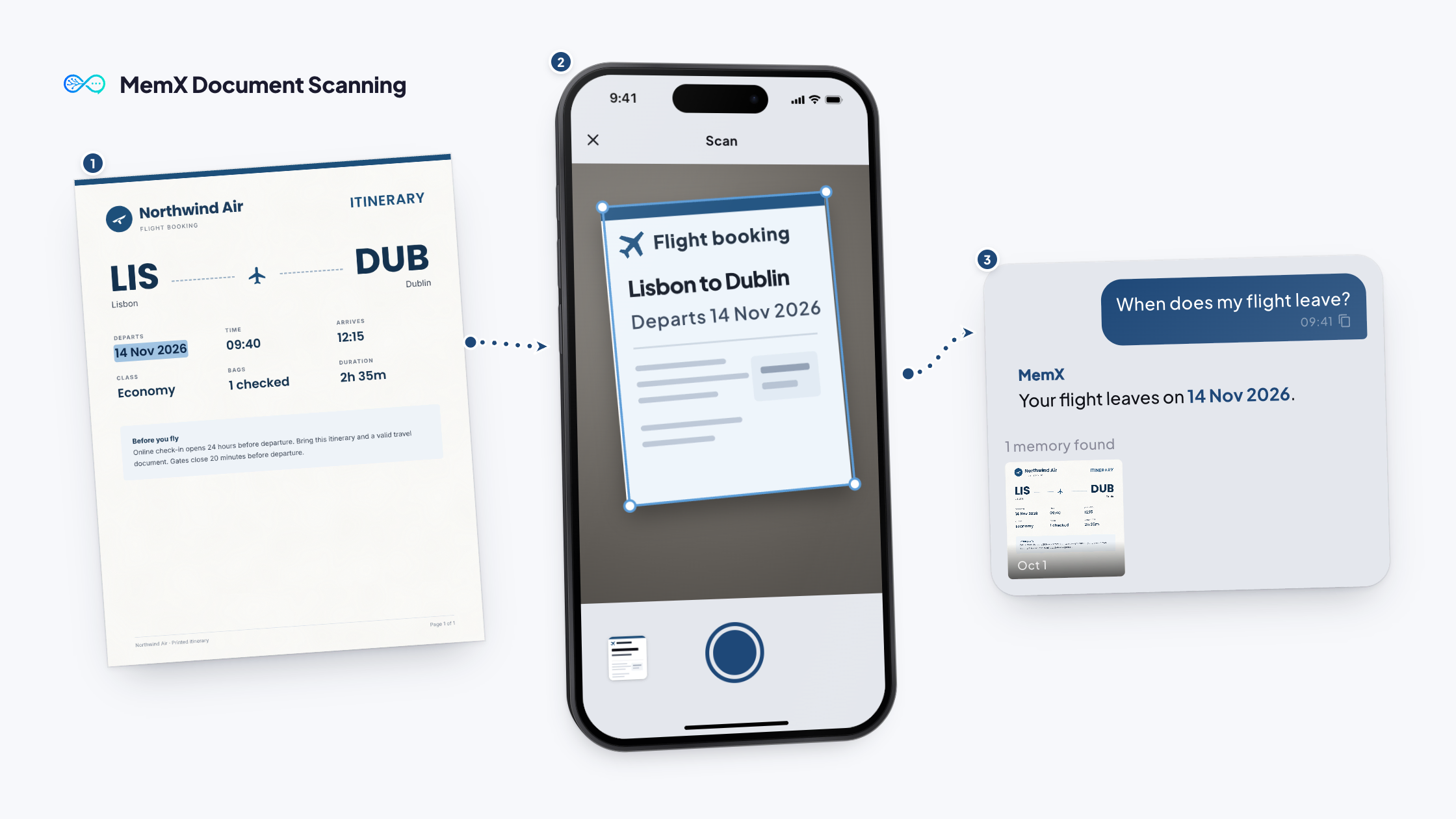
How it works
Three steps. No setup.
Scan each one. MemX keeps a clean copy you can search.
Free to start. Scan with your camera.
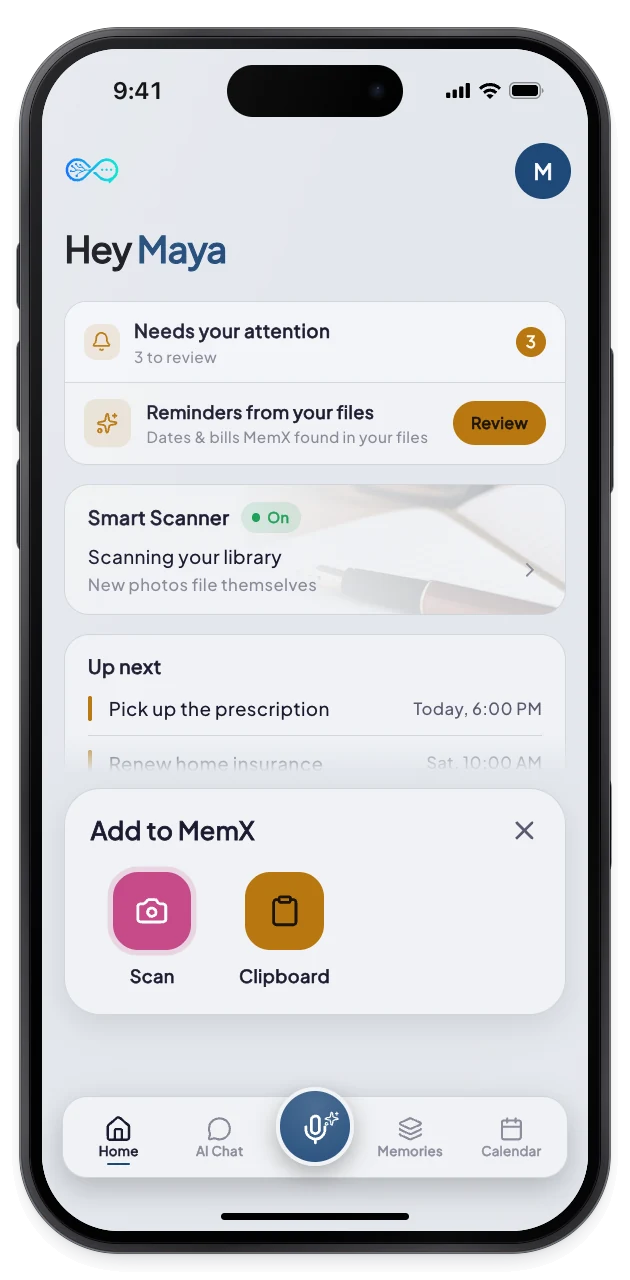
1Tap Scan
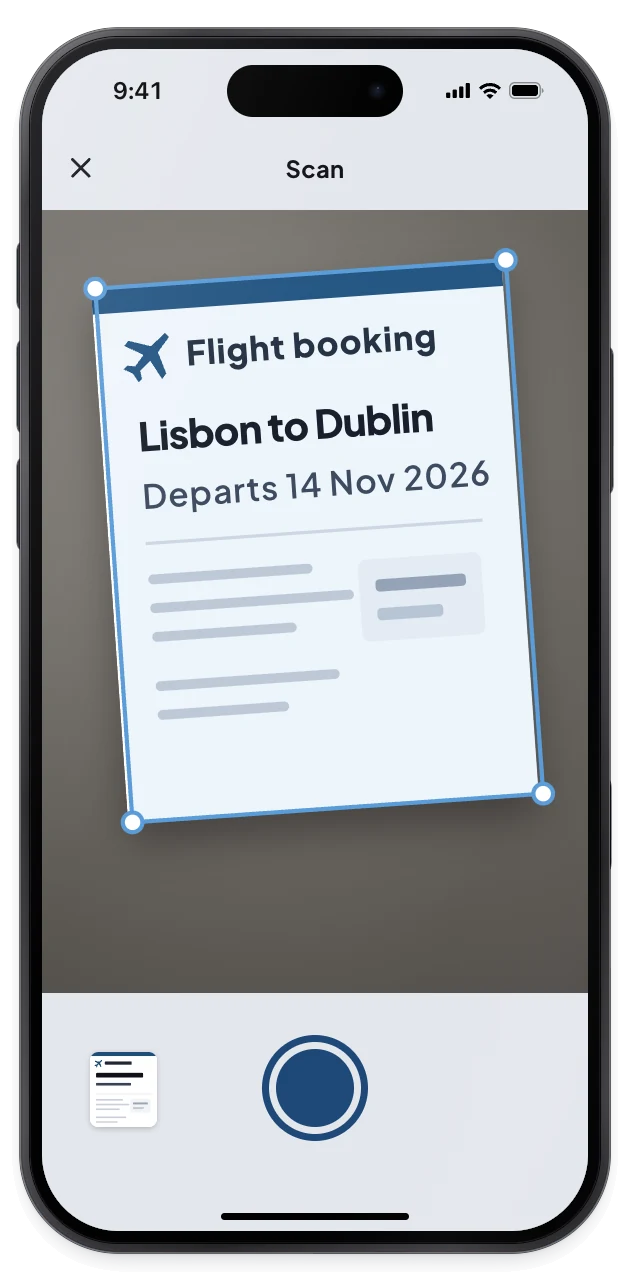
2Capture the pages
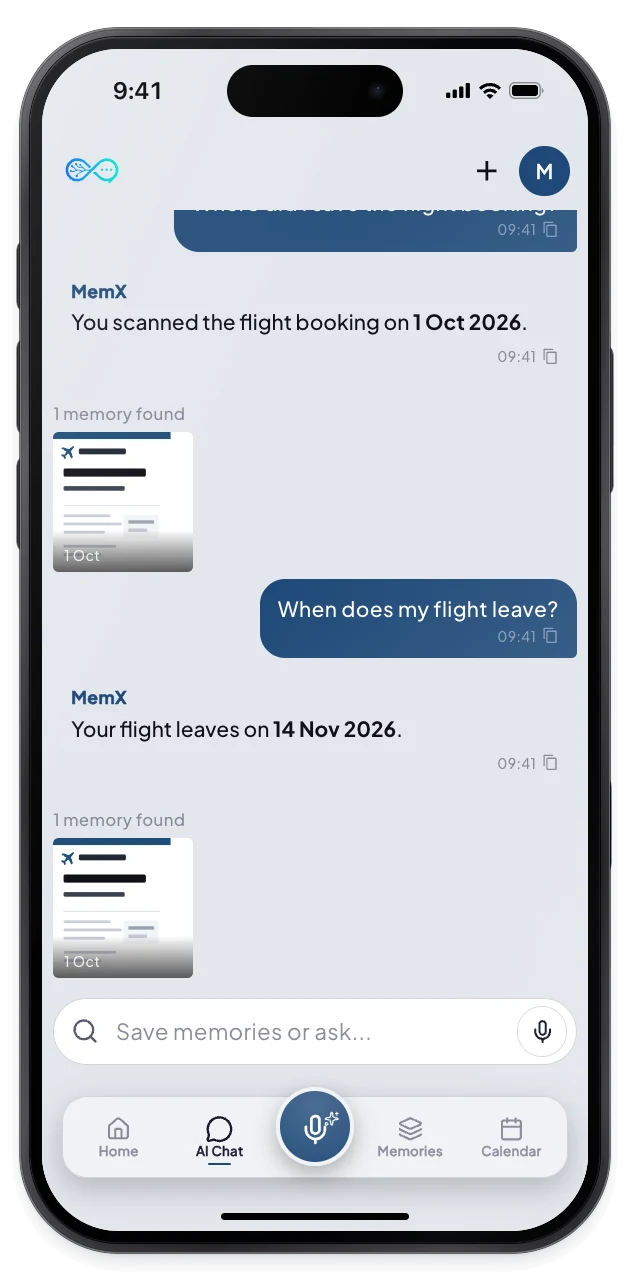
3Saved, with its dates
What changes for you.
A paper becomes a searchable PDF, with its dates and key facts read for you.
Private by architecture: encrypted at rest, every read logged.
Multi-page
Scan several pages into one PDF.
Facts read
Dates and amounts are picked out.
Zero filing
No folders, just ask.
Questions
What can I scan?
Prescriptions, receipts, forms, tickets and printed contracts. Scans are saved as a multi-page PDF, then read so the text and key facts become searchable. You can add more pages before saving, or import an existing file.
Do I need to name or file the scan?
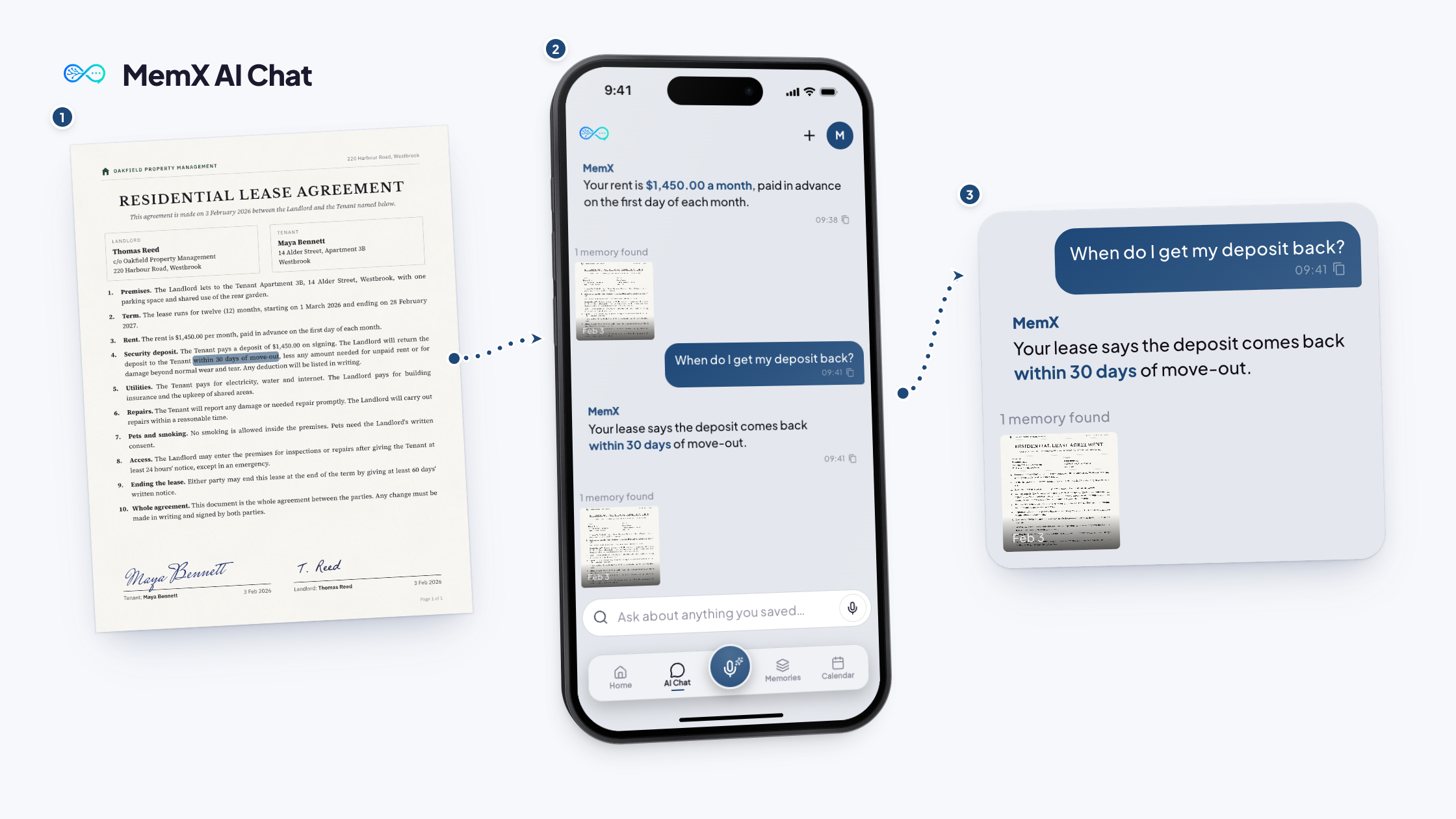
No. MemX tags and dates it for you. You find it later by asking, such as "when does my flight leave?" MemX answers and shows the scan it used.
How large can a scan be?
A scan can be up to 20 MB. If it is bigger, MemX asks you to remove a few pages. You can add more pages and import existing files too.
Is it the same as MemX Smart Scanner?
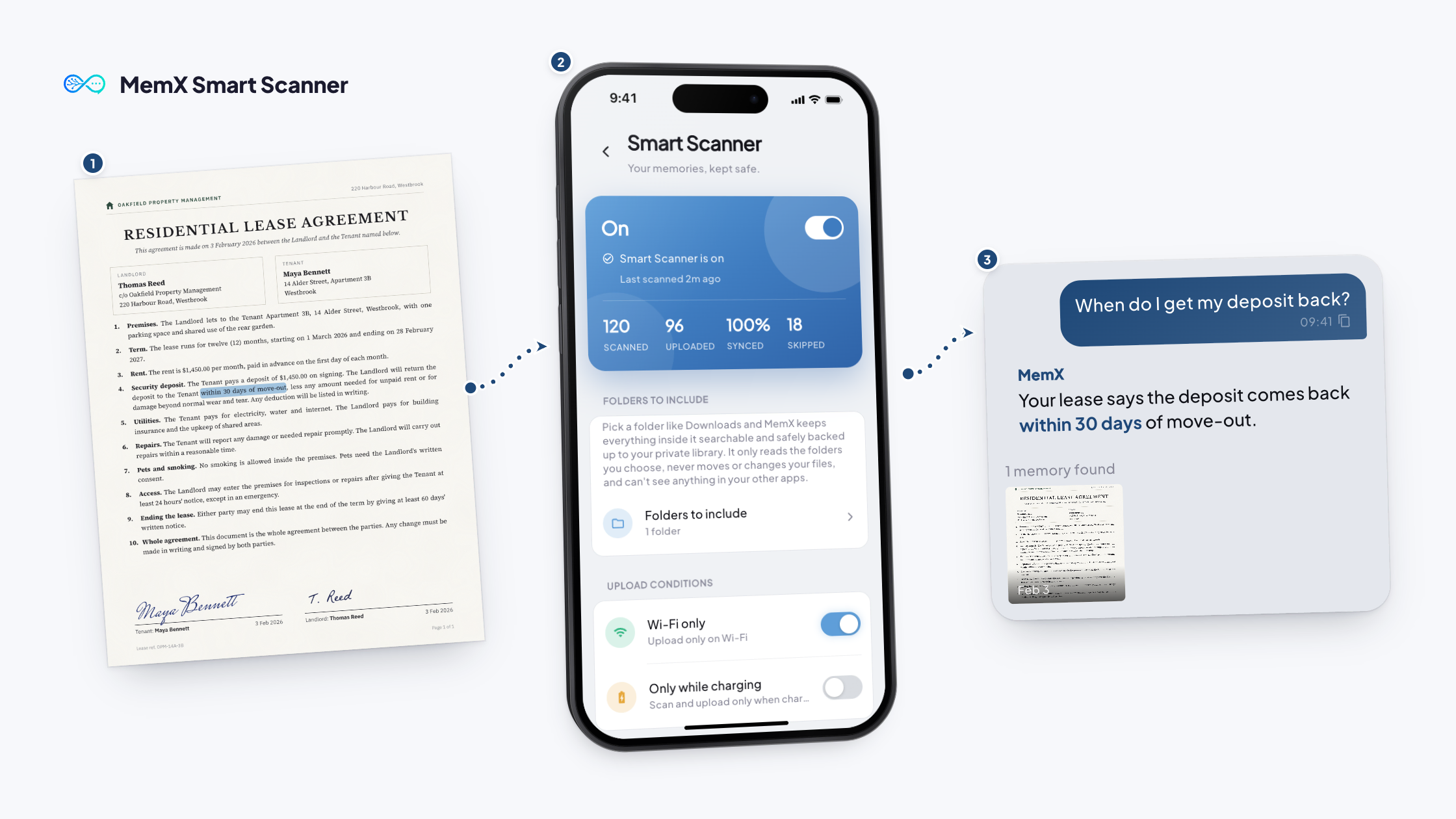
No. Scanning is something you start with the camera. MemX Smart Scanner works in the background on the folders you choose. Both give you searchable files.
Scan it. Ask for it later.
Next time you need it, ask, and the answer comes back with the scan it used.
Free to start. Scan with your camera.