Lease Agreements
Ask your lease what it says.
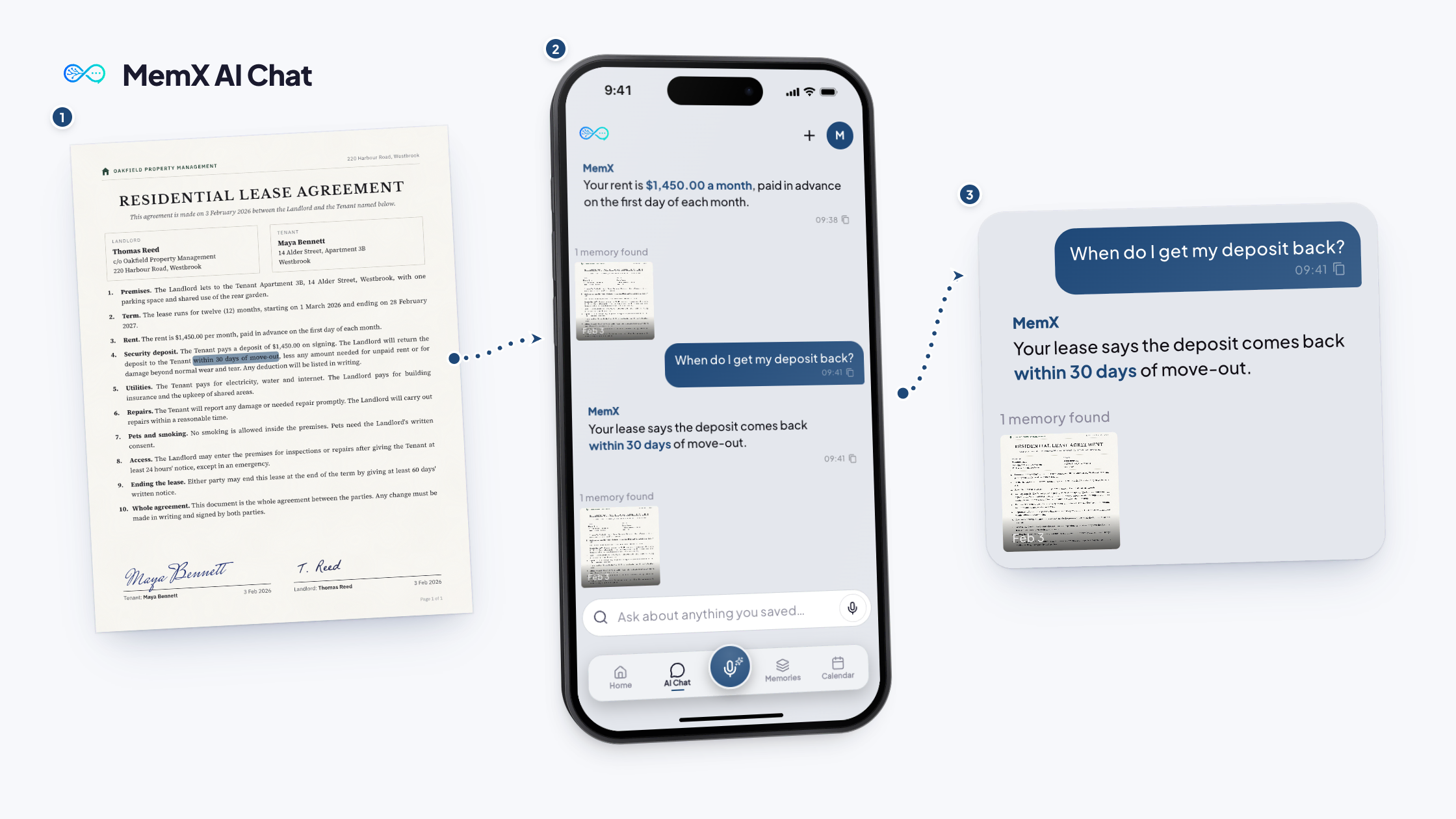
Save the PDF once. Ask about deposit, repairs and notice in plain words.
You want to move out early, and you cannot find the notice clause in the long PDF.
Free to start. Answers show their source.
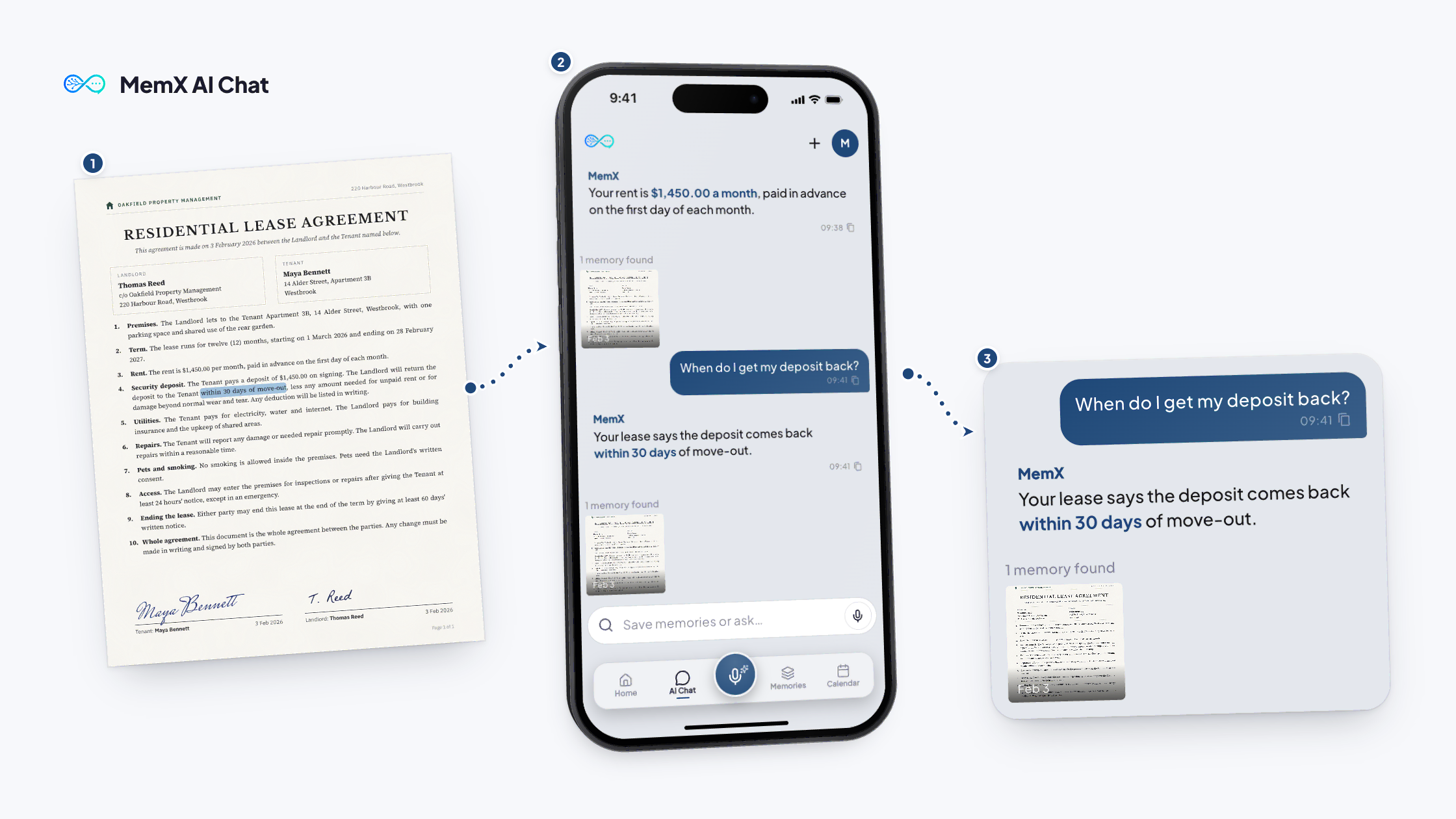
How it works
Three steps.
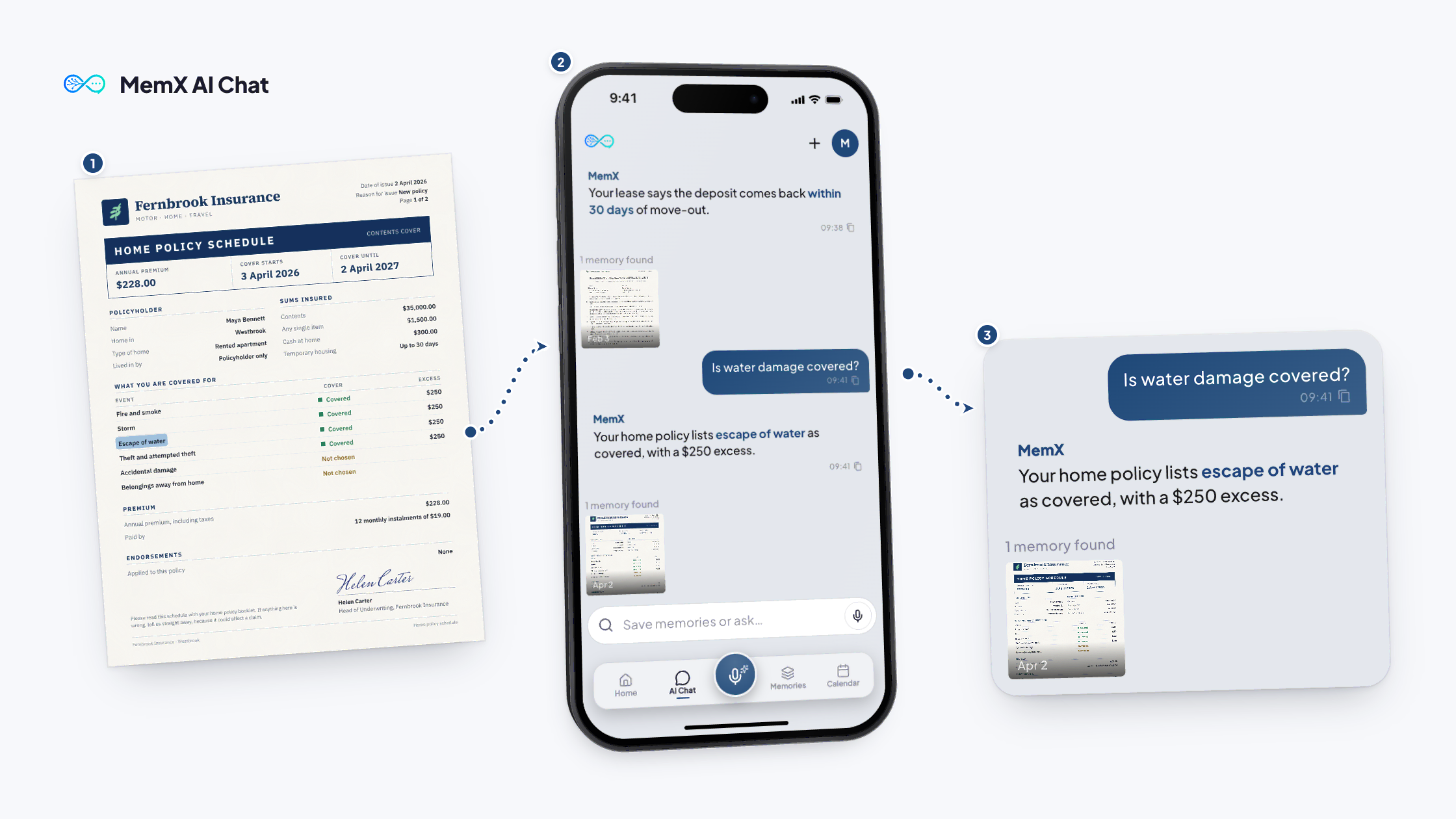
Ask about the clause. MemX answers from your lease.
Free to start. Answers show their source.
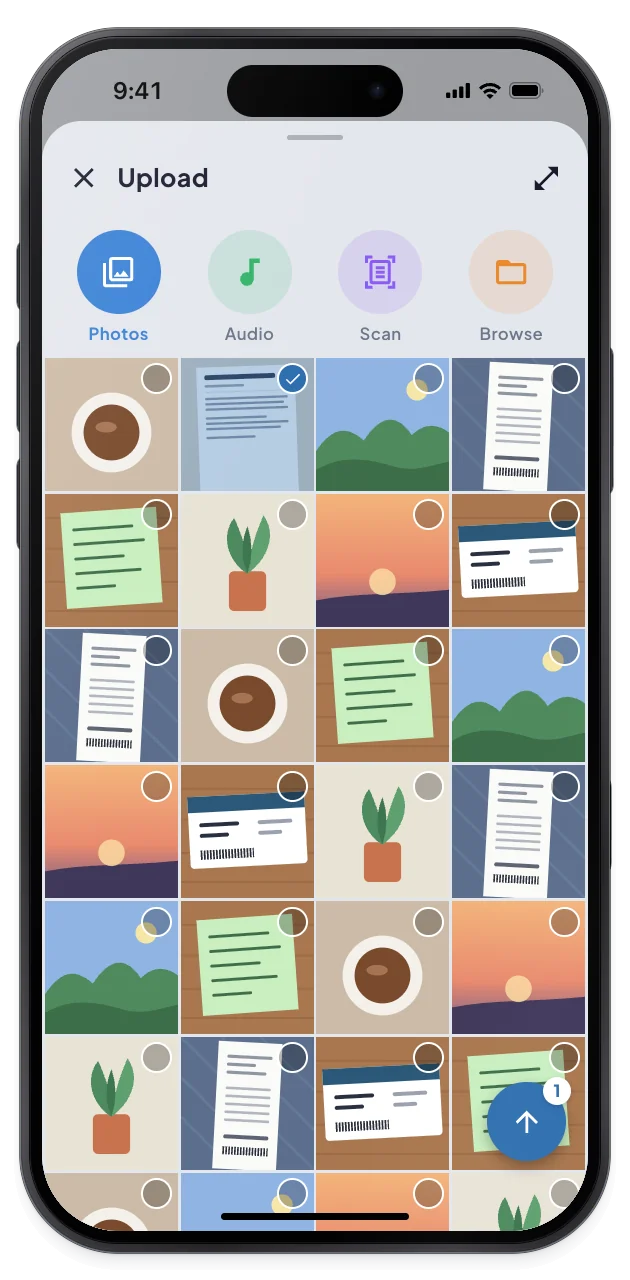
1Save the lease
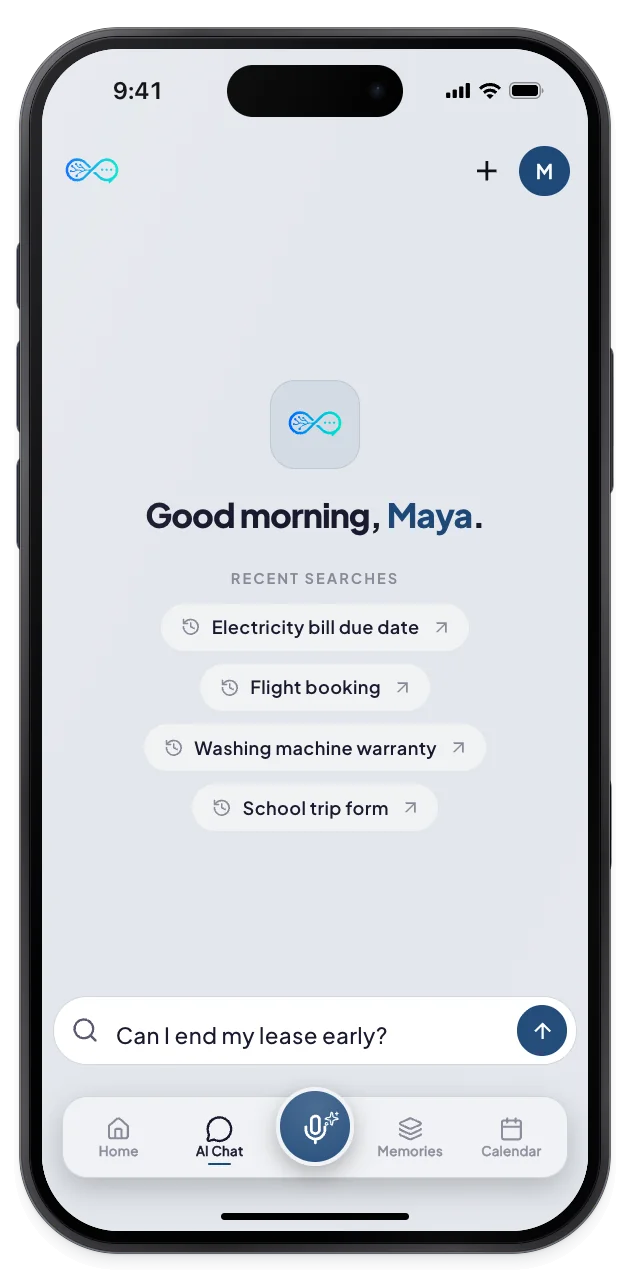
2Ask in plain words
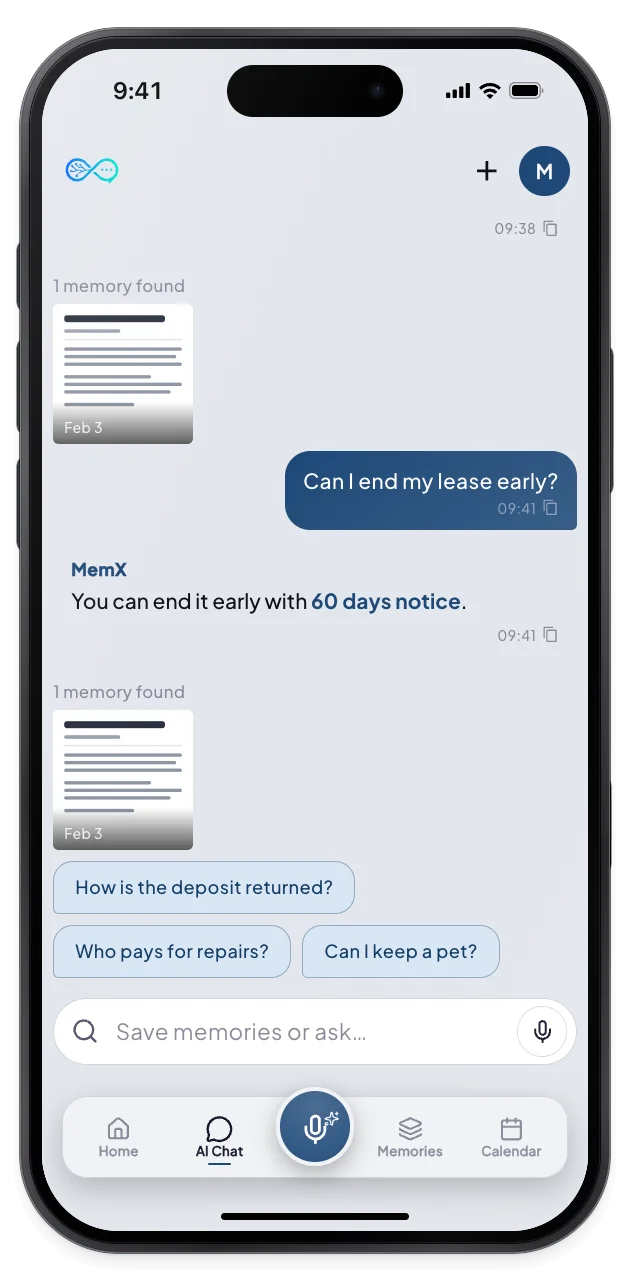
3Answer and source
What changes for you.
The answer that matters, in plain words, from your own lease.
Private by architecture: encrypted at rest, every read logged.
Deposit
Find how it is returned.
Notice
Know when to tell your landlord.
Repairs
See who handles what.
Questions
Can MemX tell me if I get my deposit back?
MemX reads what your lease says about deposits and conditions, and shows the lease it used. It cannot predict a landlord's decision, so check the original text.
How do I find my notice period?
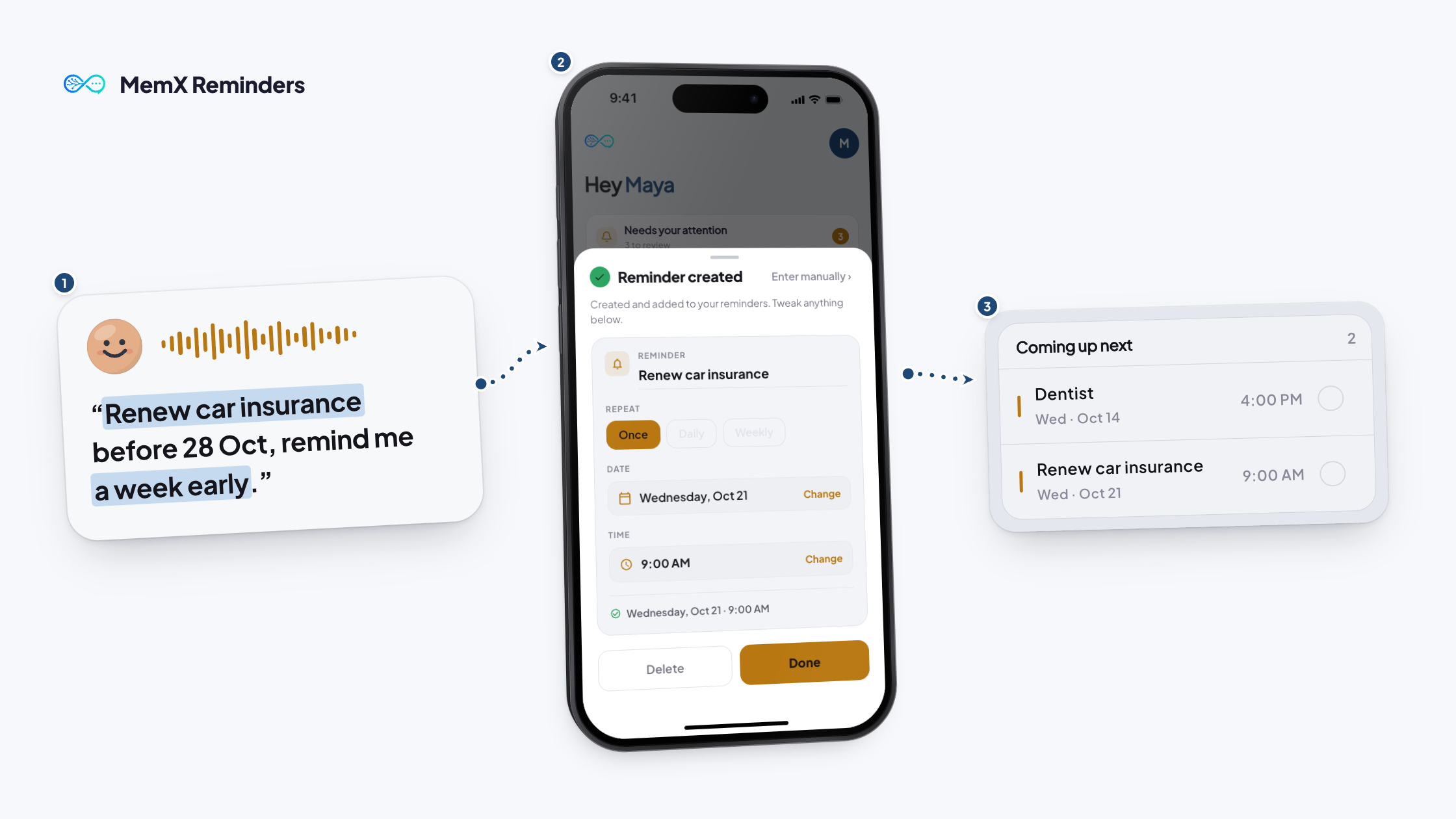
Ask "what is my notice period?" MemX looks through the lease and answers, and shows the lease as its source. You can set a reminder for the notice date too.
Can MemX check repairs or pets?
Yes. Ask about repairs, pets, guests or rent changes. MemX answers from the passage and shows the lease it used, so you can open it and read the exact words before you act on it.
Can I search an old lease?
Yes. As long as it is saved, a lease from years ago answers the same way. You can ask about any clause in an old lease in the same plain way, and open the original.
Download MemX. Know your lease.
When you plan the move, you start from the facts.
Free to start. Answers show their source.