Photo memory
Your receipts find themselves.
MemX tells a receipt from a sunset and keeps the one you will need.
Your camera roll is mostly scenery, with one warranty receipt hidden somewhere inside it.
Free to start. You stay in control.
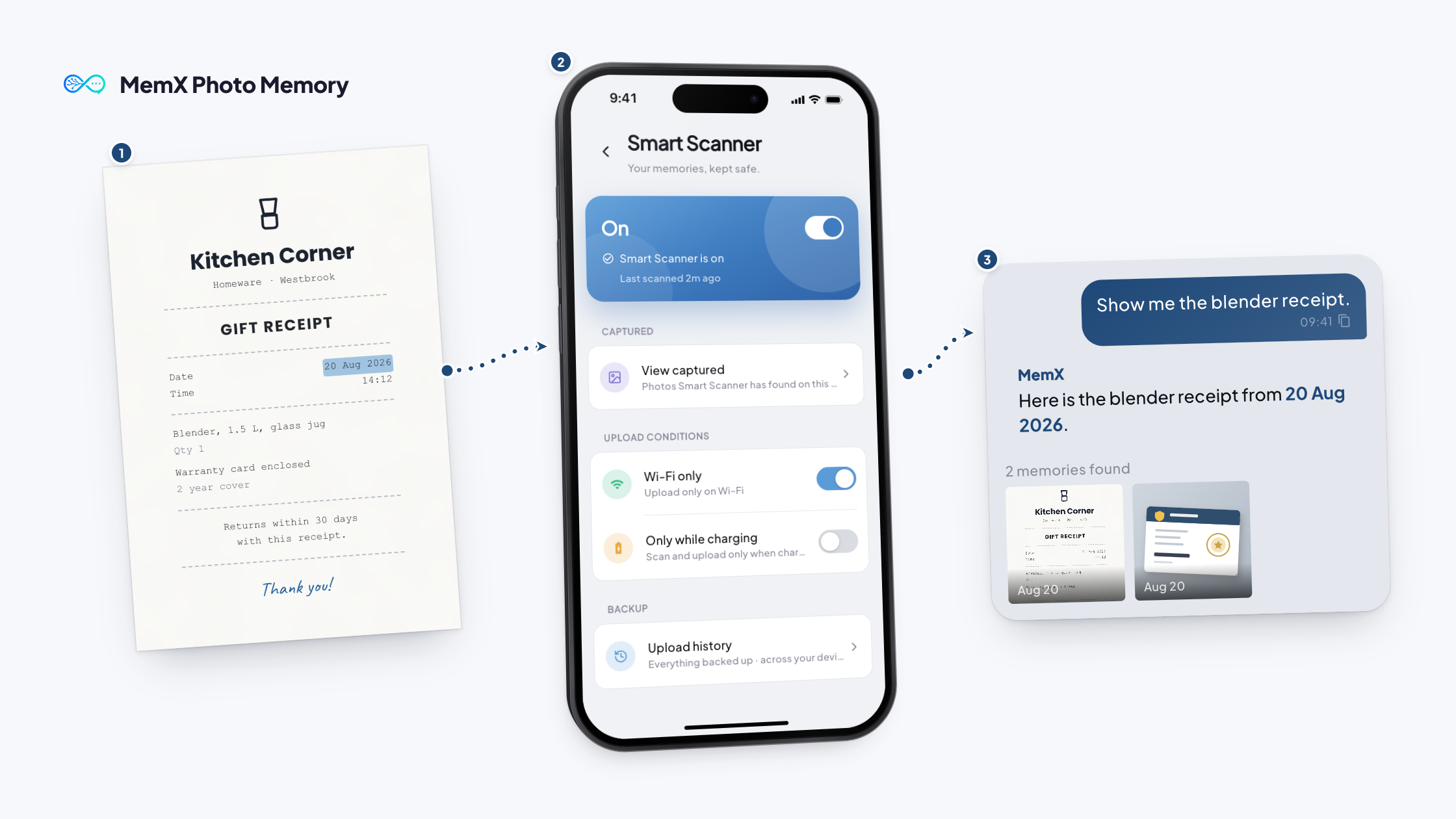
How it works
Three steps. No setup.
MemX recognises receipts and documents and keeps them for you.
Free to start. You stay in control.
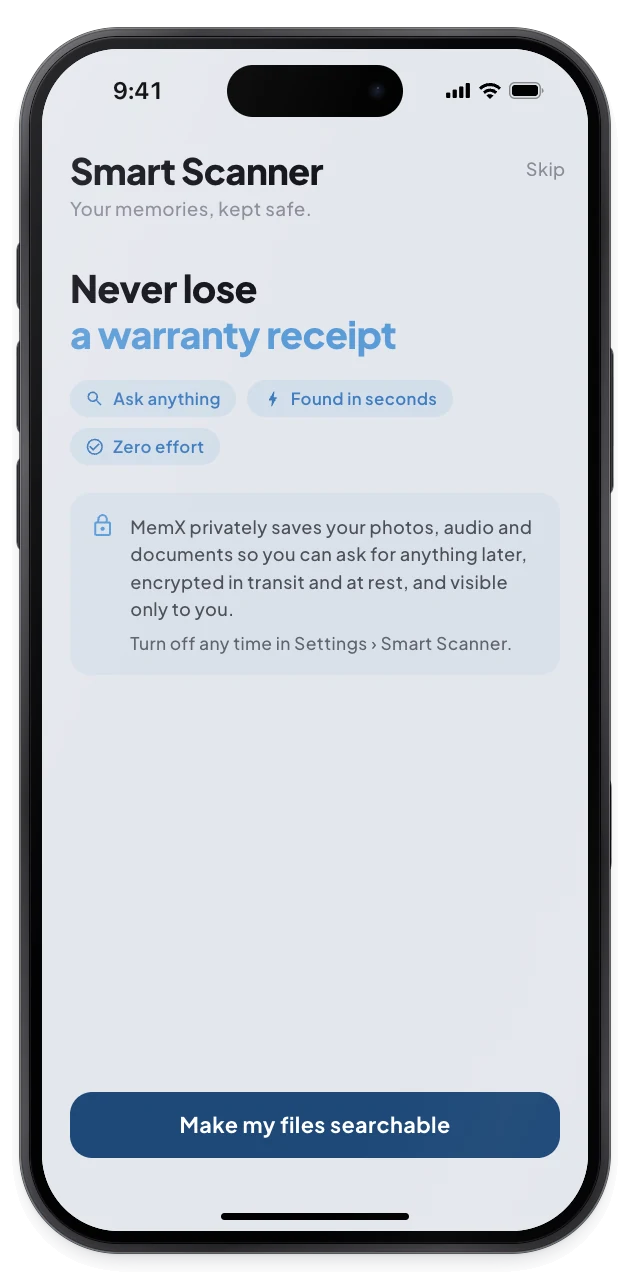
1Allow photo access
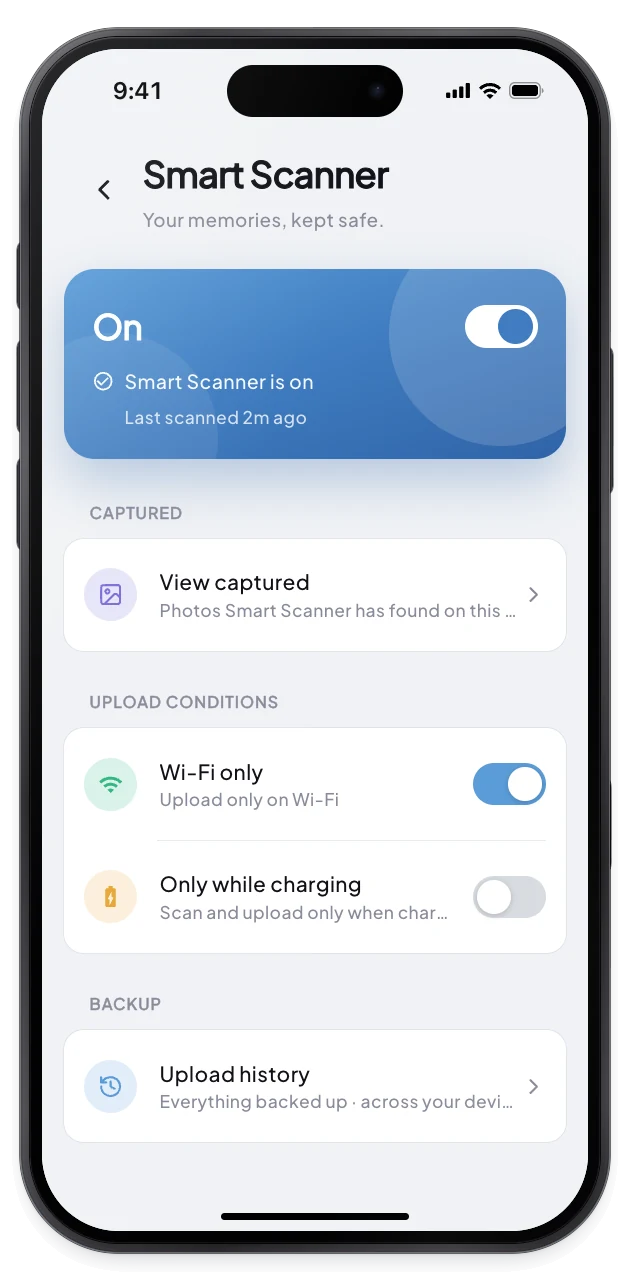
2See what it found
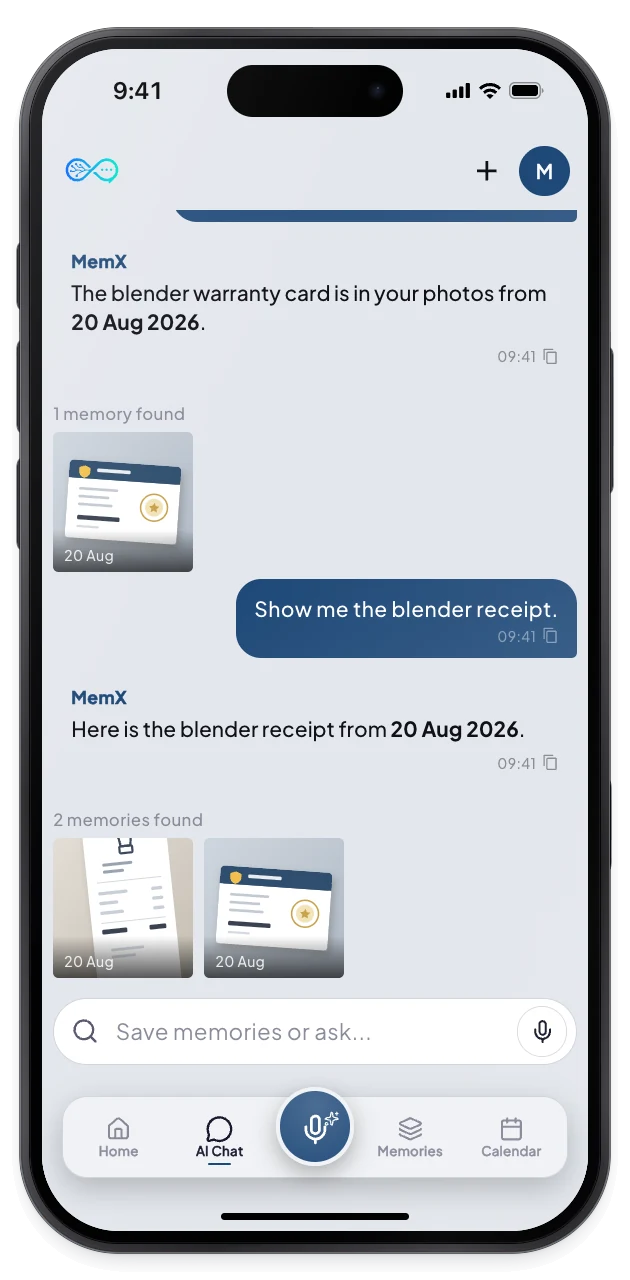
3Ask for the photo
What changes for you.
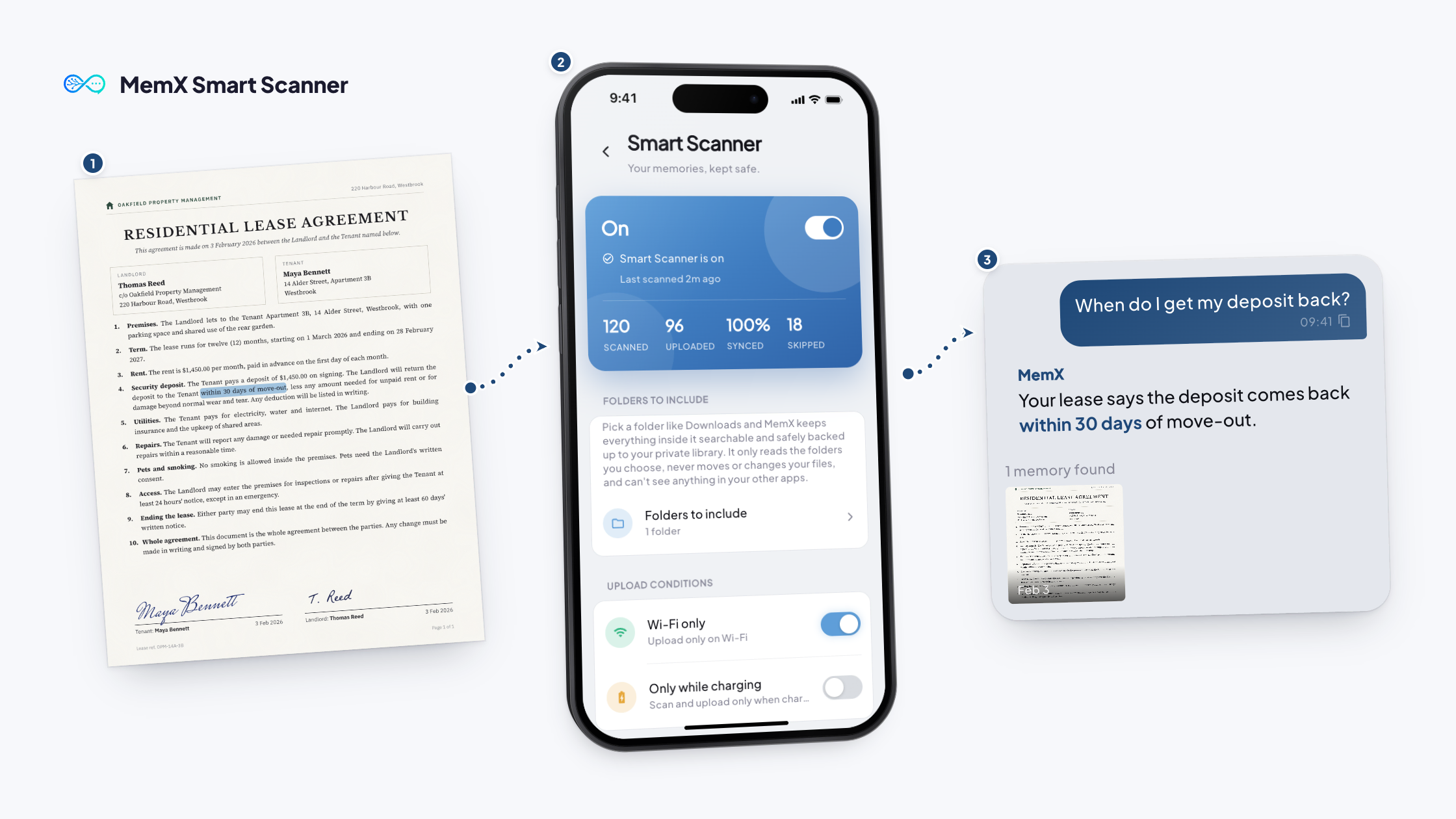
The receipts and papers you will need are kept and findable by what you remember.
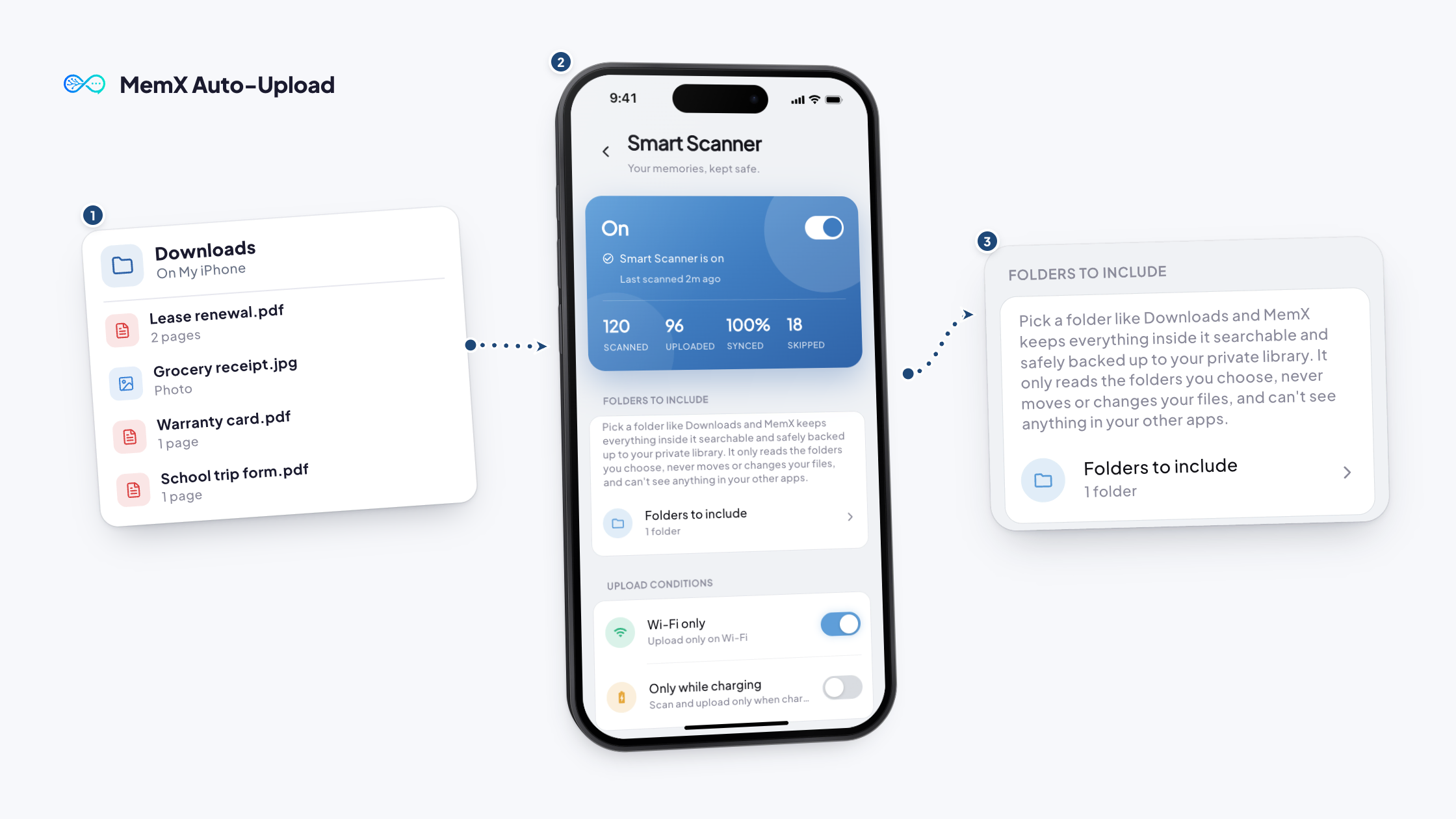
On iPhone you pick the folders MemX reads, on Android you can exclude folders, and you can turn it off at any time.
Smart sorting
Receipts and papers are told apart from scenery.
Your control
Pick folders on iPhone, exclude them on Android.
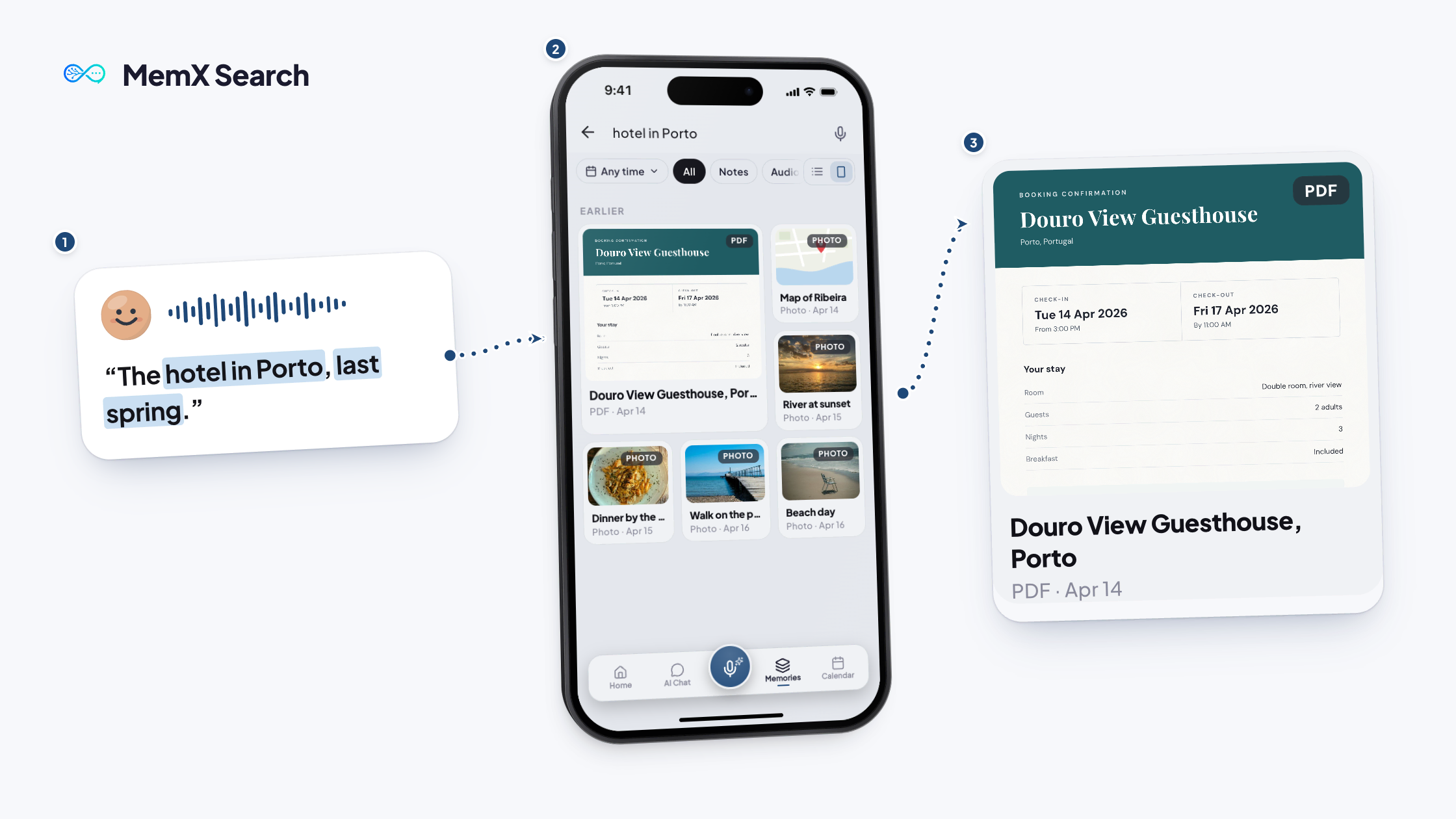
Ask in words
Describe the photo, no exact name needed.
Questions
Does MemX upload all my photos?
No. It sorts photos from the folders it is allowed to read and keeps the ones that carry information, such as receipts, forms and screenshots. Everyday scenery is classified separately and is not the point.
How does MemX find a receipt?
It reads the text and dates in the image and ties them to your question. You can describe what you remember, such as "the receipt from that dinner in March."
Can I control which folders are read?
Yes. On iPhone you pick the folders to include. On Android MemX reads your photo library and you exclude folders. You can also set Wi-Fi only or charging only.
Is it private?
Photos are privately saved, encrypted at rest with a key per account, and every read is logged. You can switch it off at any time, and sensitive numbers are masked by default in Rediscover.
Get MemX. Find the receipt.
Next time, describe the receipt and it is on your screen.
Free to start. You stay in control.