How Agent Ethan Handles Unclear Requests
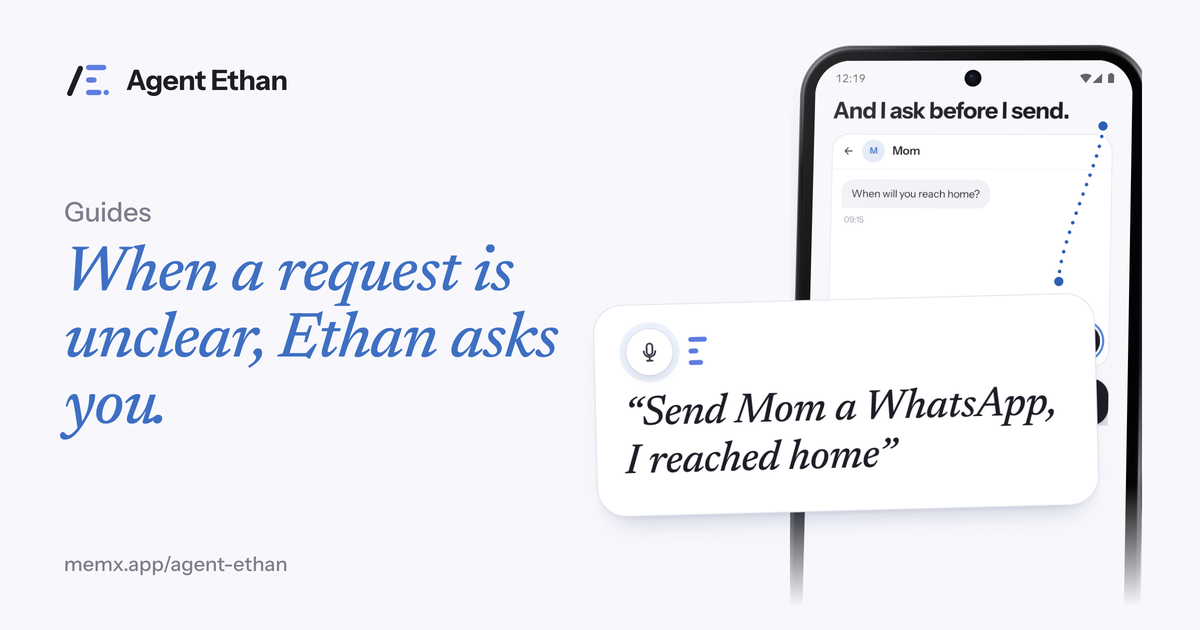
When Agent Ethan is unsure what you meant, it asks instead of guessing. Numbered choices appear over the options on your screen, and you answer in whichever way is easiest: say the number out loud, say the name, or tap the one you mean. This post explains what triggers a question, what the question looks like, and how to answer it with as little effort as possible.
Why Ethan asks instead of guessing
Spoken requests are full of gaps. "Call Sam" is clear to you, but your phone may hold three Sams. "Set an alarm for 7" could mean morning or evening. A voice can be misheard, and a screen can show several buttons that look alike. A tool that quietly picks one is a tool that sometimes sends the wrong message to the wrong person.
Agent Ethan is built around the idea that you stay in control. The Play listing puts it in one line: if Ethan is unsure, it asks you, with numbered choices on the screen, and you answer by voice, by saying the number, or by tapping. Asking costs a few seconds. A wrong guess can cost much more.
Questions are not a sign that something broke. They are part of how Ethan is meant to work, and they are most common when a task involves people, places or times that could mean more than one thing.
What a question looks like on screen
When Ethan needs you to choose, small numbered badges appear on the screen, sitting over the things you can choose between. Say there are three contacts called Sam. Each one gets a number, 1, 2 and 3, drawn on or beside that row. Ethan can also say the question out loud if the "Talk to me" setting is on "Out loud, plus on screen".
In the app source, numbered badges are drawn only when there are at least two choices, and never more than nine. Where an item is big enough, its badge is drawn inside that item's own box, so a number over one row is not mistaken for the row next to it. If the screen changes after the badges appear, the source checks that the item under your number is still the one that was badged, and it will not tap something that has moved.
Some questions have no numbers because the answer is not a pick from a list. Ethan might ask, for example, what time you meant, or whether to go ahead with a step it wants you to confirm. In the app source, an answer can come from the card's text box, the card's microphone or the notification's Reply.
Three ways to answer
You never have to answer in a particular way. Use whichever suits your hands and your day.
The app understands more than just "two". According to its source, it recognises number words and ordinals, such as "second" or "the third one", and it also accepts a small set of number words from another language written in English letters. It can also match a word from an option's own name, if that word belongs to only one option. If your answer could point to two options, Ethan does not treat it as a pick.
- Say the number. "Two" or "the second one" picks option 2.
- Say the name. A word from the option's label, such as "Sam from work", can be enough when it points to just one choice.
- Tap the badge or the item itself. This is the quickest way if your hands are steady that day, and it never needs the microphone.
A worked example
Imagine you say, "Call my doctor's clinic," and your contacts hold two entries that fit, called Dr. Rao's Clinic and Rao Family Clinic. Ethan opens the contacts, sees both, and puts the numbers 1 and 2 over them. It asks which one you want.
You say, "One." Ethan opens that contact and gets the number into the dialer. By default, the app asks before Send or Call, so Ethan stops and checks before it presses Call. You say go ahead or press it yourself.
If you said something that fits neither, like "the other one", Ethan does not treat it as a pick and does not choose for you. If you want to end the task, tap Stop on the pill. Saying "stop" to the question ends the listening.
Questions that are really safety checks
Some of Ethan's questions are not about which item you meant but about whether to continue at all. Before it sends a message or makes a call, it stops and checks, and you say "go ahead" or press the control yourself. For payments and bookings, the app's onboarding says Ethan only acts once you have clearly said go ahead, and by default it hands the phone back before a permanent deletion too.
So when a question appears, read it, even if you have seen it many times. It is Ethan handing a decision back to you.
Tips for fewer questions
You are unlikely to get rid of questions entirely, and you should not want to. But a few habits cut down the ones you do not need.
If you have lots of questions, check the screen at the time. A very crowded screen, or two near identical items, is usually the reason, and not a fault in how you spoke.
- Be specific in the first sentence. "Alarm for 6:30 tomorrow morning" beats "wake me early."
- Include the app, the person and the detail that tells them apart.
- Answer after the question is asked, not before. Wait for the numbers to appear.
Frequently asked questions
Do I have to say the number, or can I tap?
Either works. The Play listing says you answer by voice, by saying the number, or by tapping. Tapping needs no microphone at all.
What if my answer fits two choices?
Ethan does not guess. In the app source, an answer that could mean more than one option is not treated as a pick, so Ethan does not choose for you.
How many choices can Ethan show at once?
In the app source, numbered choices run from two up to nine. If a screen has more than nine items, Ethan does not number them all.
Can I turn the questions off?
Not completely. The Autonomy setting (Settings, then Agent) changes how much Ethan does on its own. By default it asks before Send or Call, and even the more relaxed level you can choose, "May press Send or Call itself", is worded in the app as still asking if unsure.
Sources
Ready to try it? Download Agent Ethan or read how it works.