Everyday Tasks You Can Do by Voice With Ethan
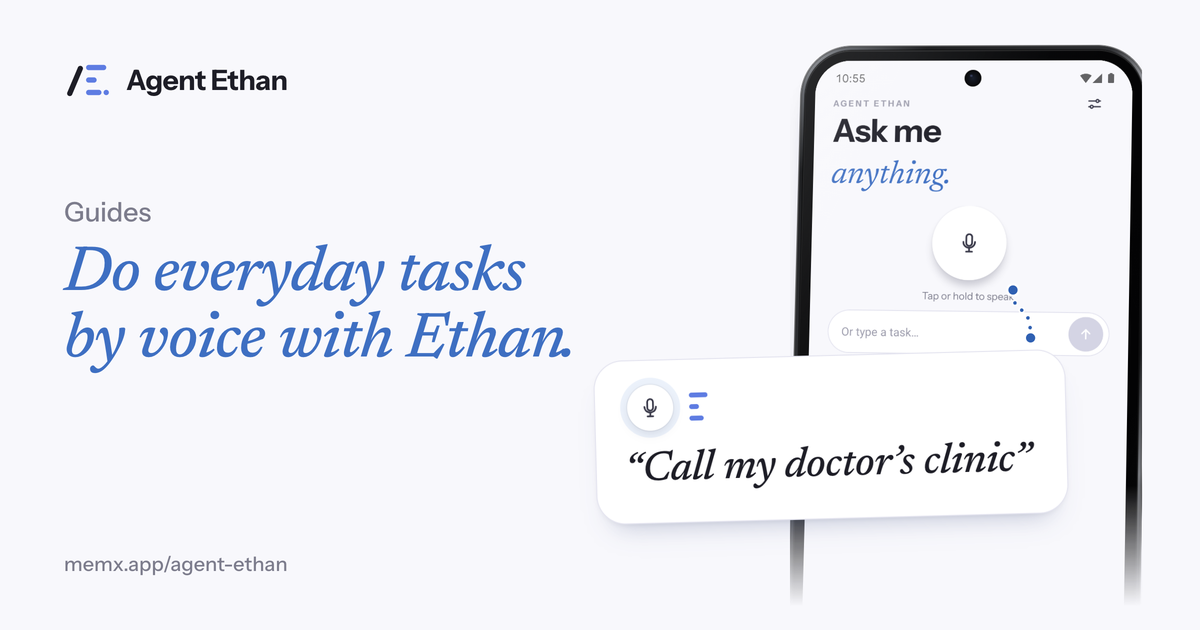
With Agent Ethan you can set alarms, make calls, send messages, play something, read your messages aloud and get ready for a cab booking, all by saying what you want. Ethan opens the right app, reads the screen and does the taps for you, and it stops before anything that cannot be undone. Here are practical phrases to try, what each one does, and where Ethan hands the phone back.
How to start a task
Tap the big microphone on Ethan's home screen and speak. There is also an optional floating button that sits on top of your other apps, which you turn on yourself in Settings. You can also long-press the app icon to start listening straight away. If you would rather type, there is a text box that says "Or type a task". Ethan understands many languages, so say it the way you would say it to a person.
A short plan appears first, headed "On it", so you can see what Ethan understood. While it works, a small pill stays on screen with Pause and Stop, and a hollow gold ring shows the control it is about to press. You can stop at any moment.
If the "Talk to me" setting is on "Out loud, plus on screen", Ethan speaks up when it needs you and also tells you when the task is done. Ethan is free to start with a daily allowance of assisted tasks, so it is fine to try a few simple tasks and see how the pill, the plan and the questions feel before you rely on it for anything important.
Alarms and calendar events
Alarms are the simplest first task, and a good example is "Set an alarm for 6:30 tomorrow morning." The in-app hints also include "Find all the active alarms for tomorrow", so you can ask to look, not only to set.
For your calendar, one of the app's own example tasks is "Book a 30 mins meeting at 3PM tomorrow." Ethan can set up the event in your calendar app, but check the title, day and time on screen before you rely on it, the way you would for any task.
A tip: give the time and the day in the same sentence. "Alarm for 7:30 tomorrow morning" is clearer than "wake me up early", and clear requests mean fewer questions from Ethan.
Calls and contacts
A good example here is "Call my doctor's clinic." Ethan finds the contact or number and puts it in the dialer. Ethan can put the number in the dialer and call only if your task says to call. By default, Ethan asks before Send or Call, so you say go ahead or press it yourself.
If two contacts match, Ethan asks which one you mean with numbered choices. You answer by voice, by saying the number, or by tapping. That one habit prevents most wrong calls.
Ethan can also help you add a contact by filling in the name, phone and email you give it. Check the details before you save.
Messages, with a check before Send
A good message example is "Send a WhatsApp message to my son saying I reached home." Ethan opens the app, finds the chat, types the message and stops. By default it asks before it presses Send. The same idea applies to a text message or an email: Ethan drafts it, and by default it asks before it goes.
Another example is "Read me my latest messages", which is there for when small text is hard to read.
WhatsApp is a separate app made by another company, and Agent Ethan has no partnership with it. The same goes for any other app you name. Ethan operates whatever is installed on your phone, through the screen, with your permission.
Media, directions and apps you already use
You could also try "Play gentle piano music on YouTube." Ethan opens the app you named and does the searching and tapping, which can be a lot of small taps for a person with a tremor. What Ethan does is operate the screen, so the result depends on how that app is laid out.
Ethan can also help with directions in a maps app, searching the web, and opening the Settings page you ask for. You can say the destination in plain words, such as "Take me to the railway station", and Ethan sets it up. Maps can take a few seconds to draw a route, and Ethan waits for it.
Here is a good rule of thumb. If you can do it on the screen with taps, typing and scrolling, you can try asking Ethan. Some tasks will work better than others, because every app is laid out differently, so start with simple ones.
Tasks where Ethan prepares and you finish
"Book a cab to the railway station" is a task where Ethan fills everything in and stops before you pay. Pay, Buy, Book, Send money and permanent deletion are the actions Ethan hands back to you by default.
For a phone you set up for someone else, keep the careful default.
In the app's onboarding, Ethan lists passwords, PINs and one-time codes as things it will not touch, even if you ask. If an app asks for one in the middle of a task, that step is yours.
Frequently asked questions
What is the best first task to try?
Setting an alarm, such as "Set an alarm for 6:30 tomorrow morning." It is short, and the result is easy to check on the Clock screen.
Can Ethan send a message for me without checking?
By default, no. In the app source, the starting setting asks before Send or Call, and a more relaxed Autonomy level can change that. Check your own settings if you are unsure.
Does it work with every app on my phone?
No promise is made for any particular app. Ethan operates the apps installed on your phone through the screen, so simple, common tasks are the best place to start.
Do I need to speak English?
No. Ethan understands many languages, so you can speak Spanish, for example, or whichever language you use at home. You can also type the task.
Sources
Ready to try it? Download Agent Ethan or read how it works.