DOWNLOAD
Get Agent Ethan on Android.
Agent Ethan is free to start, with a daily allowance of assisted tasks.
Opens the Agent Ethan listing on Google Play (package com.nft.agentethan).
What you need
- Android 11 or newer
- A Google account or email address to sign in
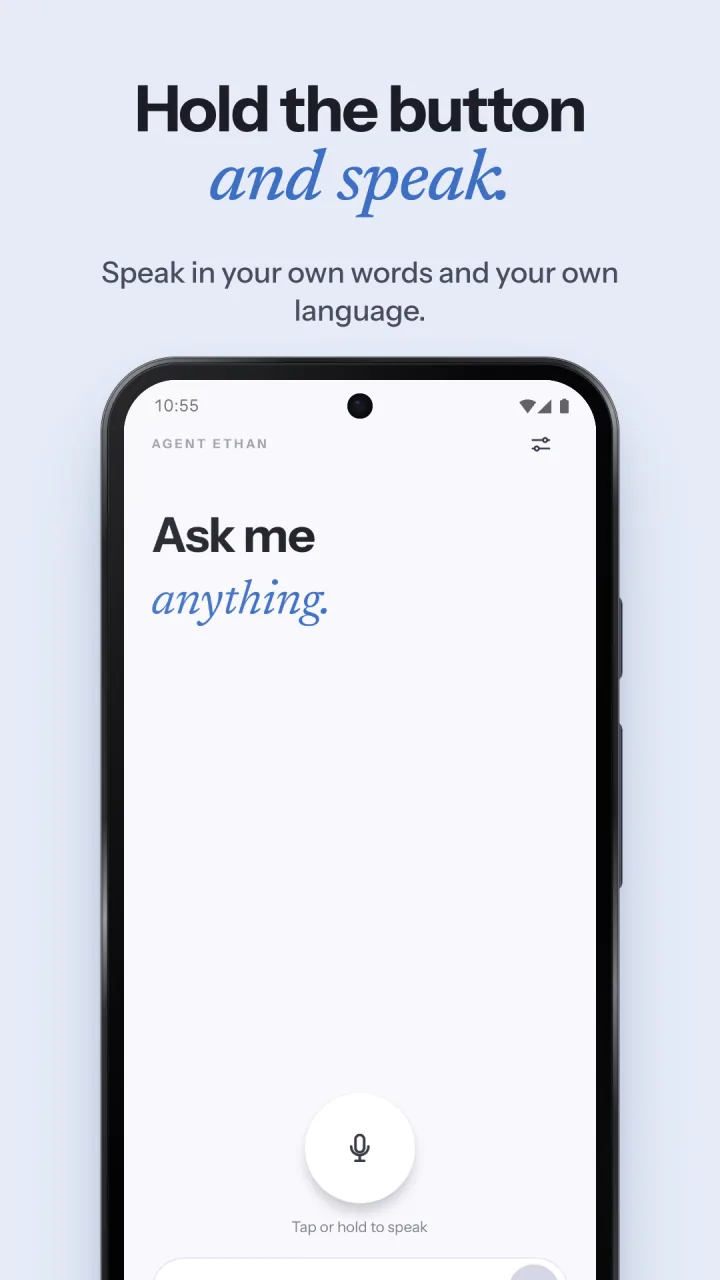
- A microphone, or type your tasks
Install in four steps
- Install Agent Ethan from Google Play.
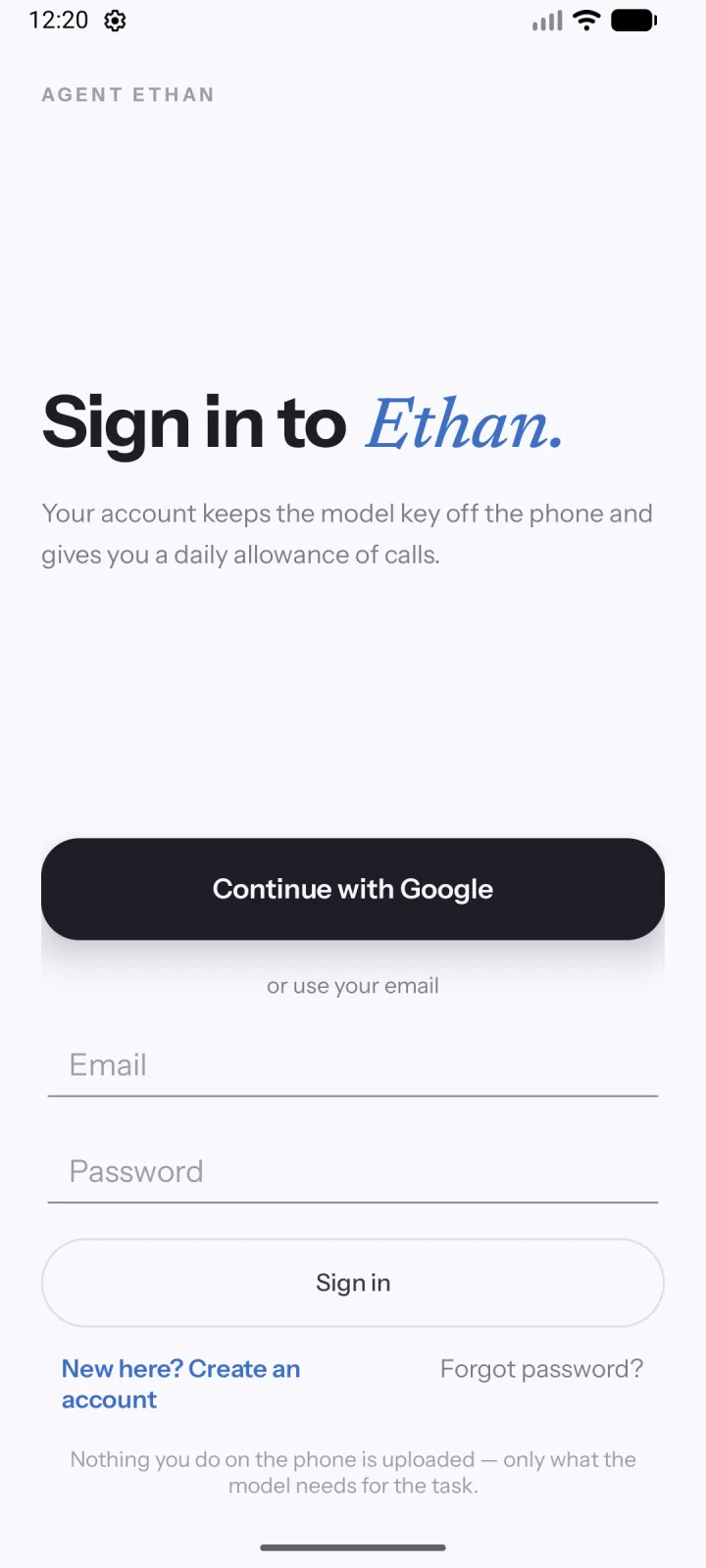
- Open it and follow the setup screens. You sign in with Google or an email address.
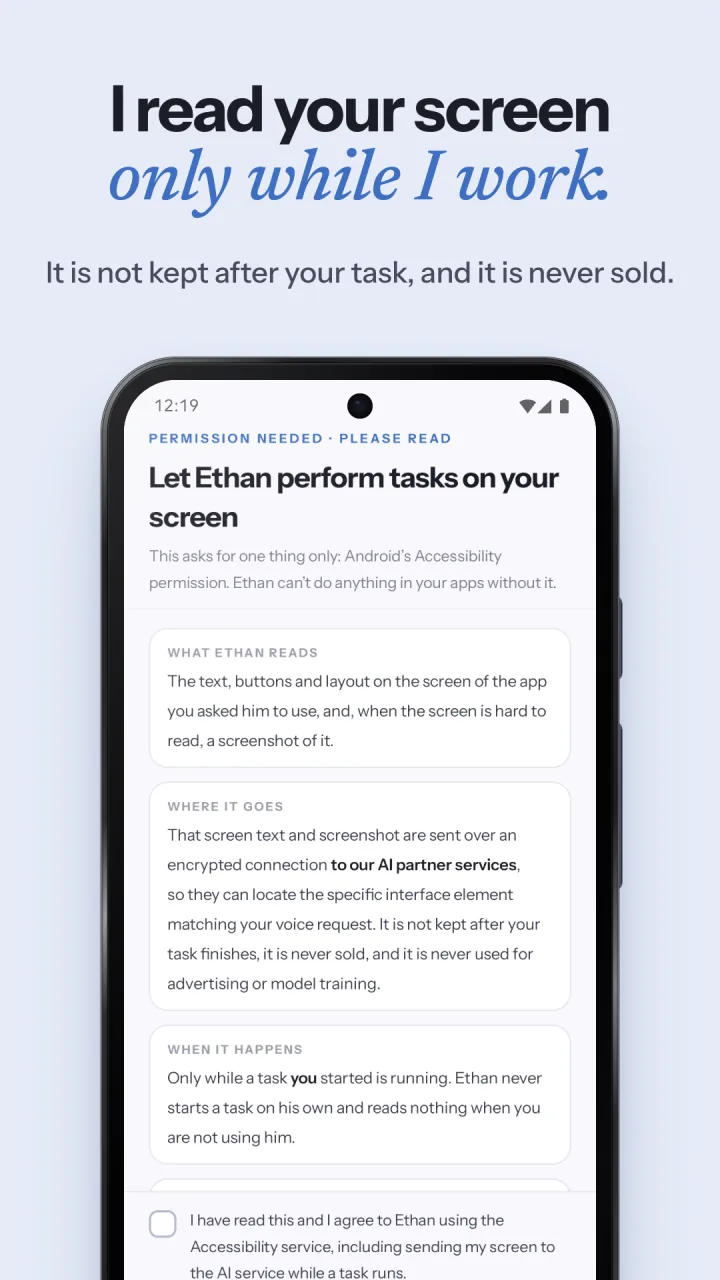
- Read the permission screen, tick the box, and tap “I agree, take me to the switch”. In Android Settings, under Accessibility and Downloaded apps, switch on Agent Ethan. Leave the Accessibility shortcut off.
- Allow the microphone and “Display over other apps” when Ethan asks. You can type tasks instead of using the microphone.
Setting this up for someone else? Do these steps on their phone once, then read how to set up Agent Ethan for a parent.
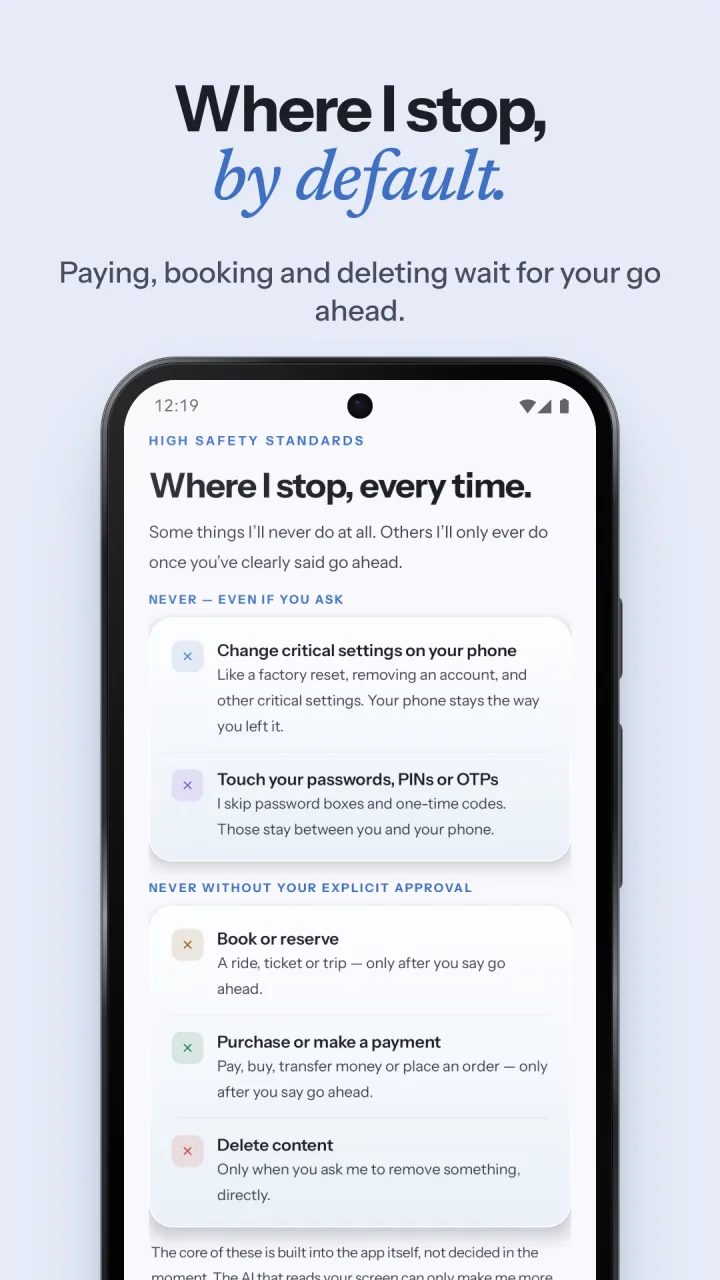
Agent Ethan is built by Neural Forge Technologies. Before you install, you can read the privacy policy, the terms of service and how Ethan handles safety.
SCREENSHOTS
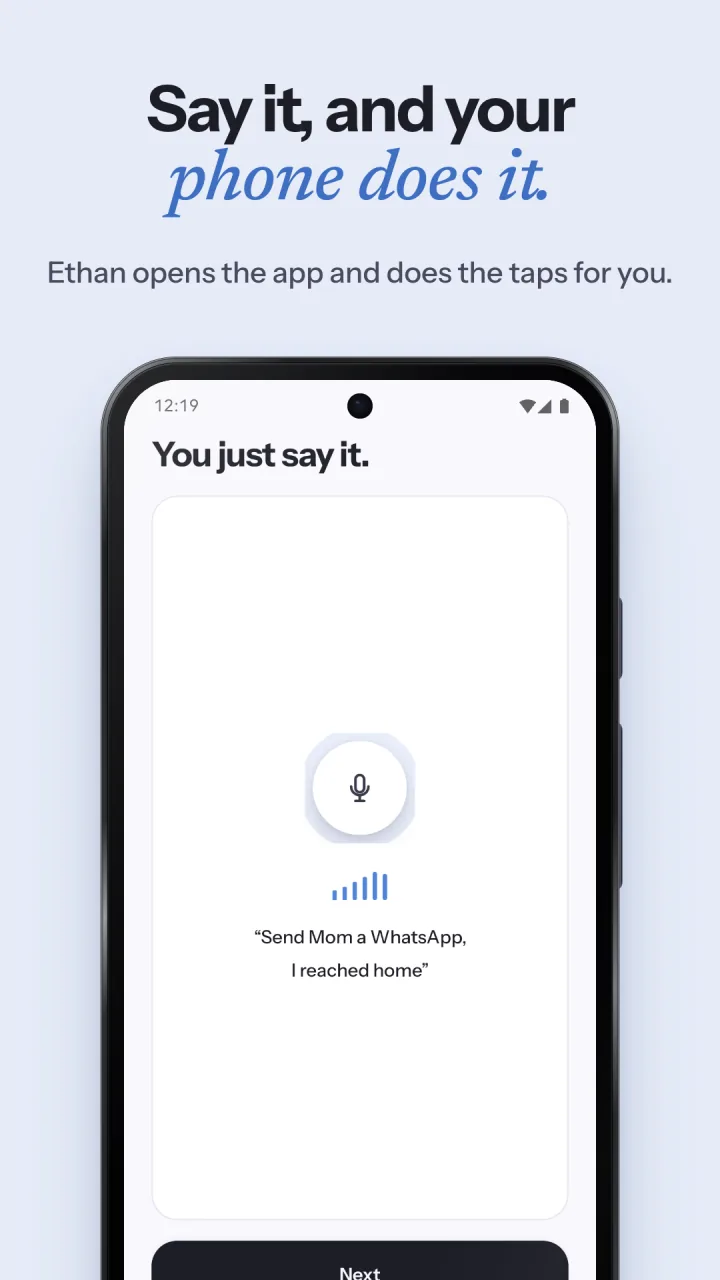
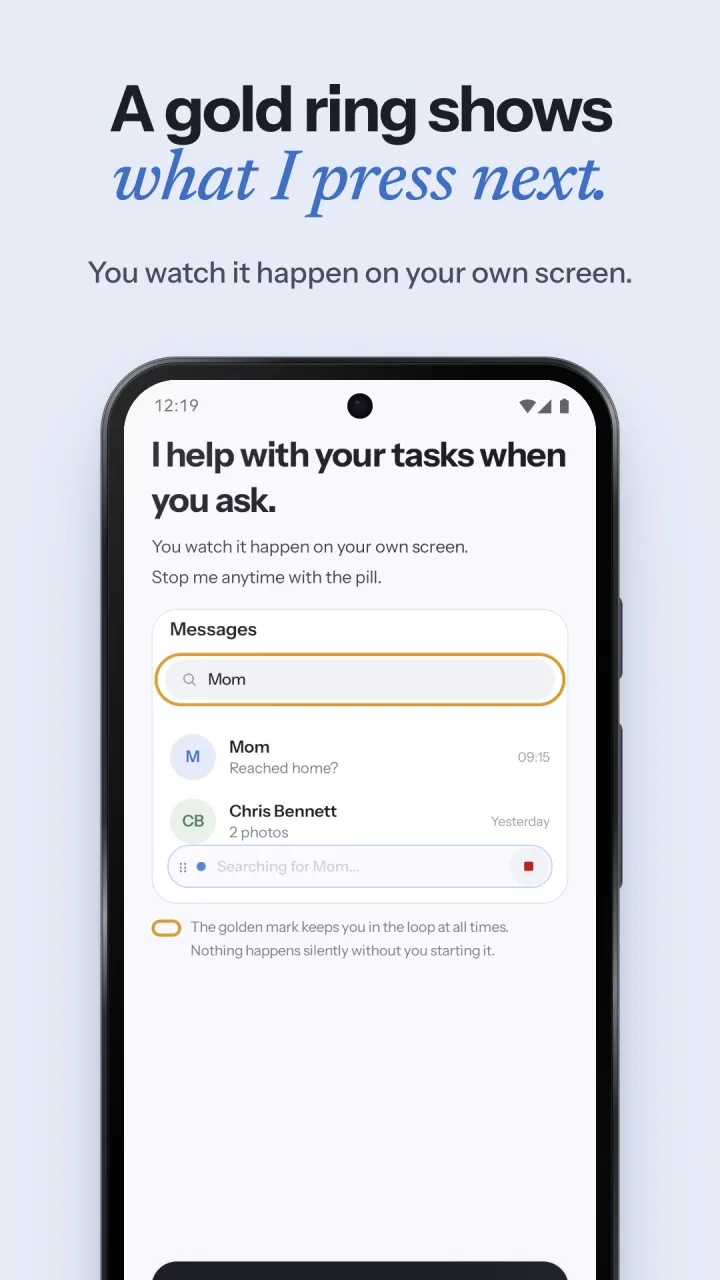
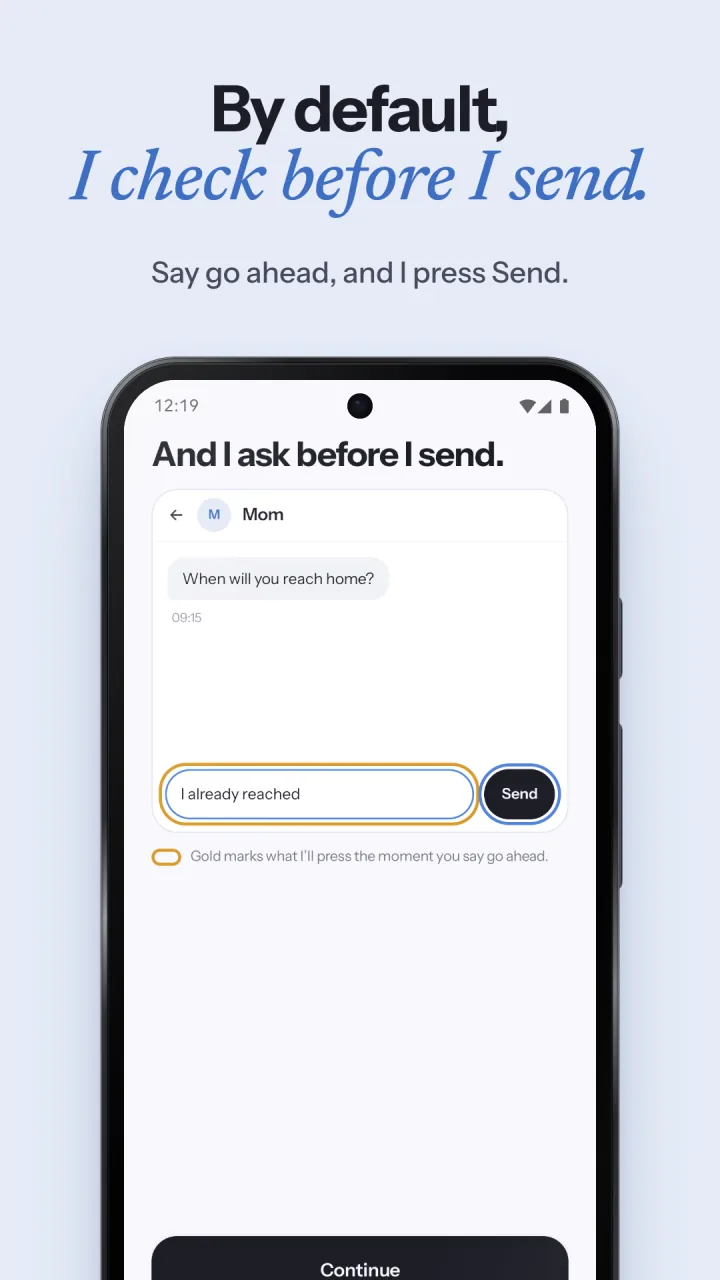
See it on a phone.
Questions before you install?
Read the frequently asked questions, see how it works, or write to [email protected].