Add the file you already have.
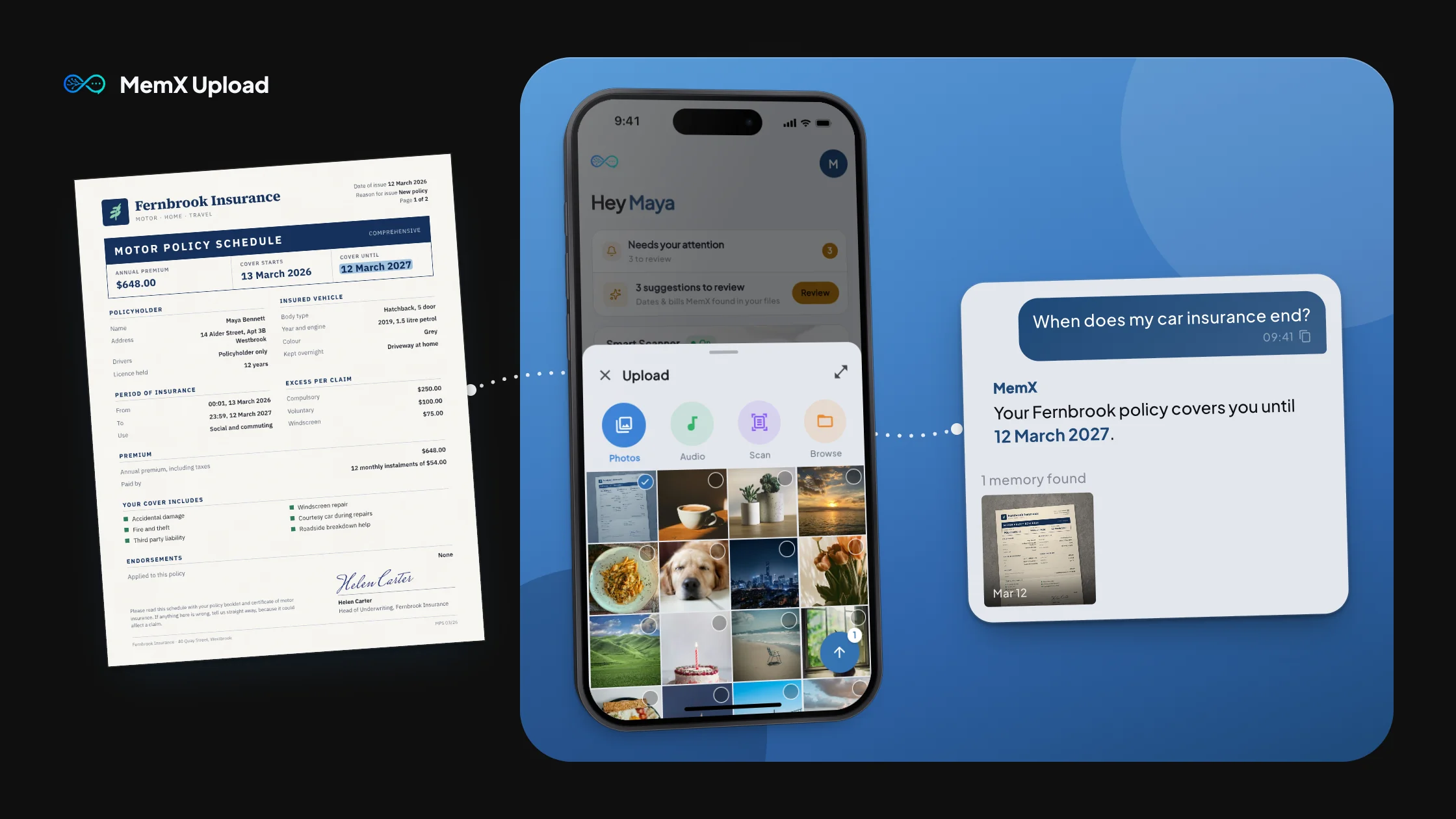
Some files don’t need auto-capture, you already know exactly which one you want in MemX. Upload it directly and MemX reads it, understands it and makes it searchable in plain English.
Try MemX Free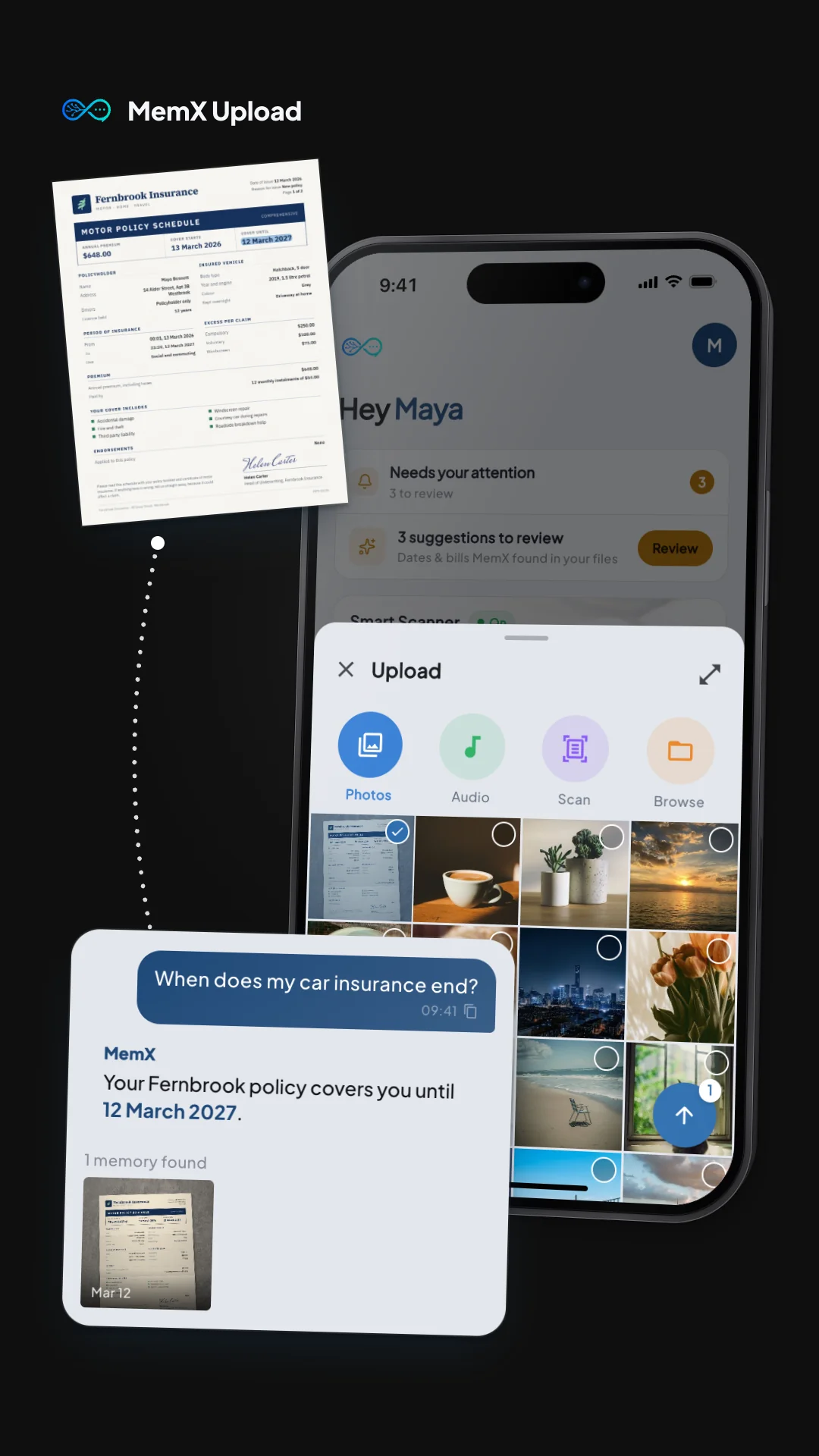
How It Works
Pick the file
A photo, a PDF, a document, anything already on your device: choose it and add it to MemX.
MemX reads it
The text inside gets extracted and the key facts indexed, the same way as anything you scan or forward.
Ask about it
It’s searchable in plain English immediately, alongside everything else you’ve saved.
Why Use This Feature
For the file you already have
No need to re-photograph or re-scan something that’s already a file on your device. Just add it.
Same understanding as any other capture
An uploaded file gets the same text extraction and indexing as something scanned or forwarded on WhatsApp.
One memory, not a separate folder
Uploaded files live alongside everything else in MemX, not in a folder you have to remember to check.
Fast, deliberate capture
When you know exactly which file matters, upload is the quickest way to get it into MemX.