MemX Search
Describe it. MemX finds it.
Type, speak or shake your phone. Describe what you remember and the memory appears.
You remember a hotel confirmation from last spring, but not what you called it or where you put it.
Free to start. No exact names needed.
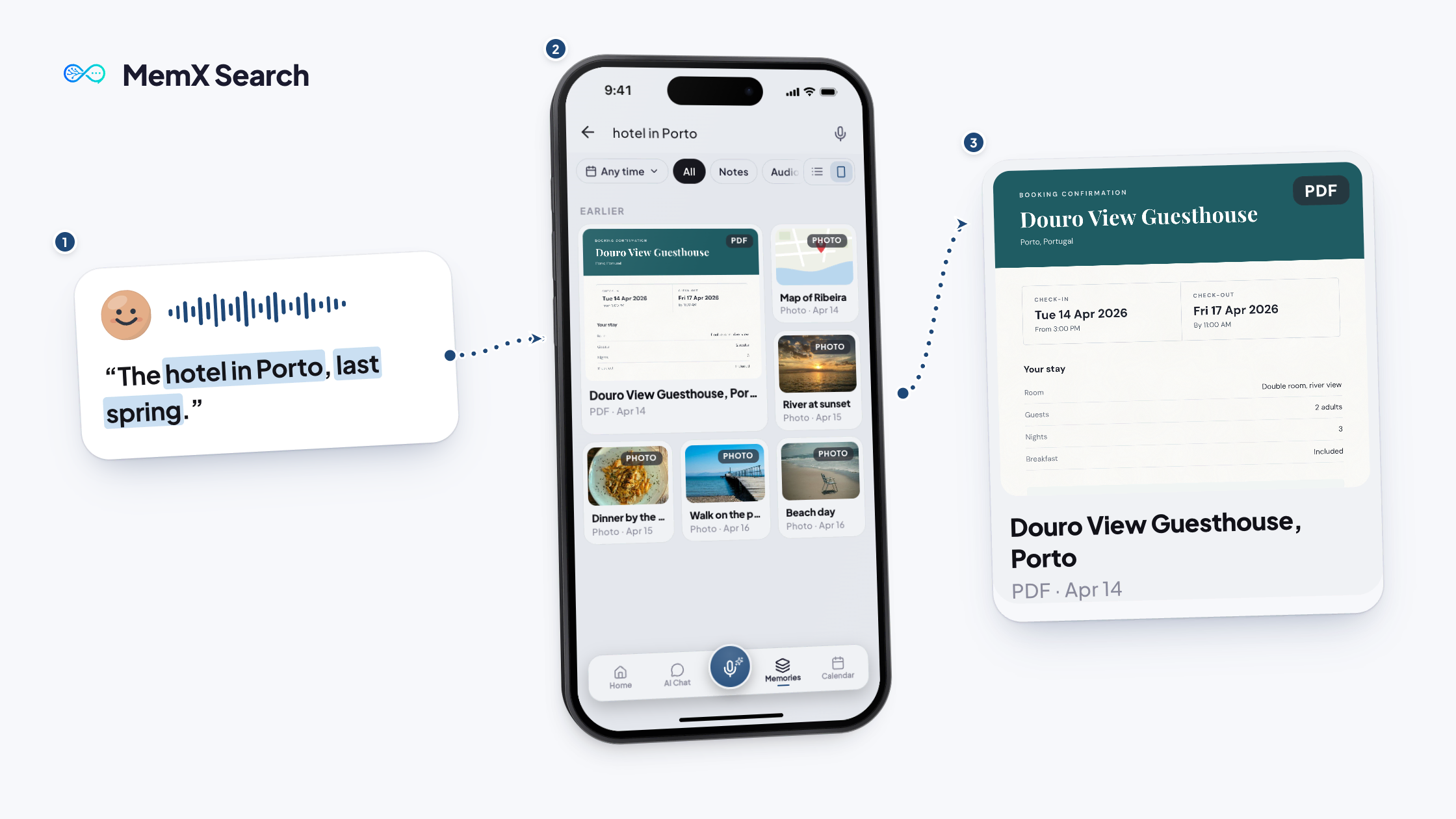
How it works
Three steps.
Describe what you remember. MemX shows the memory itself.
Free to start. No exact names needed.
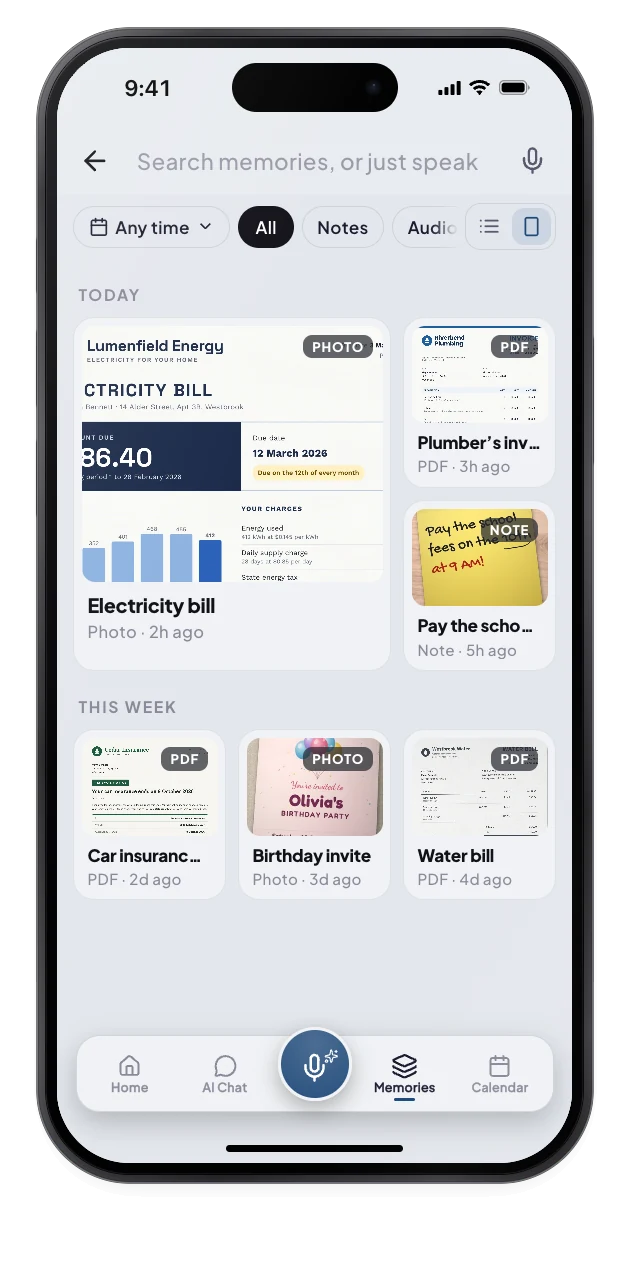
1Tap search
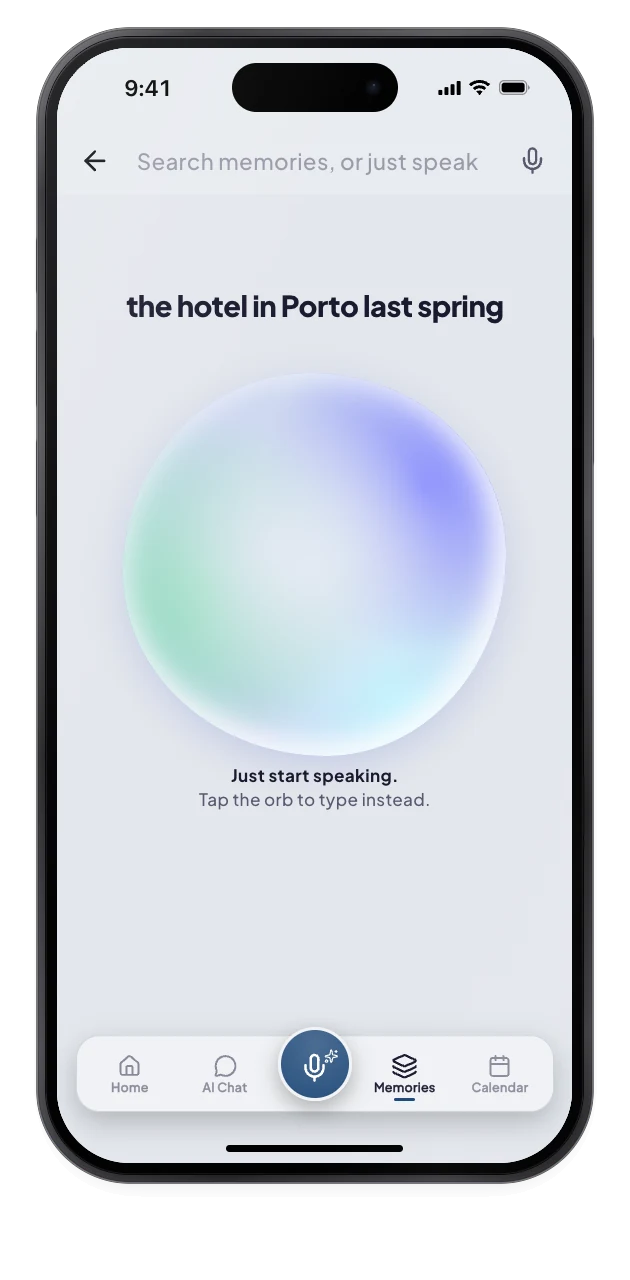
2Say what you remember
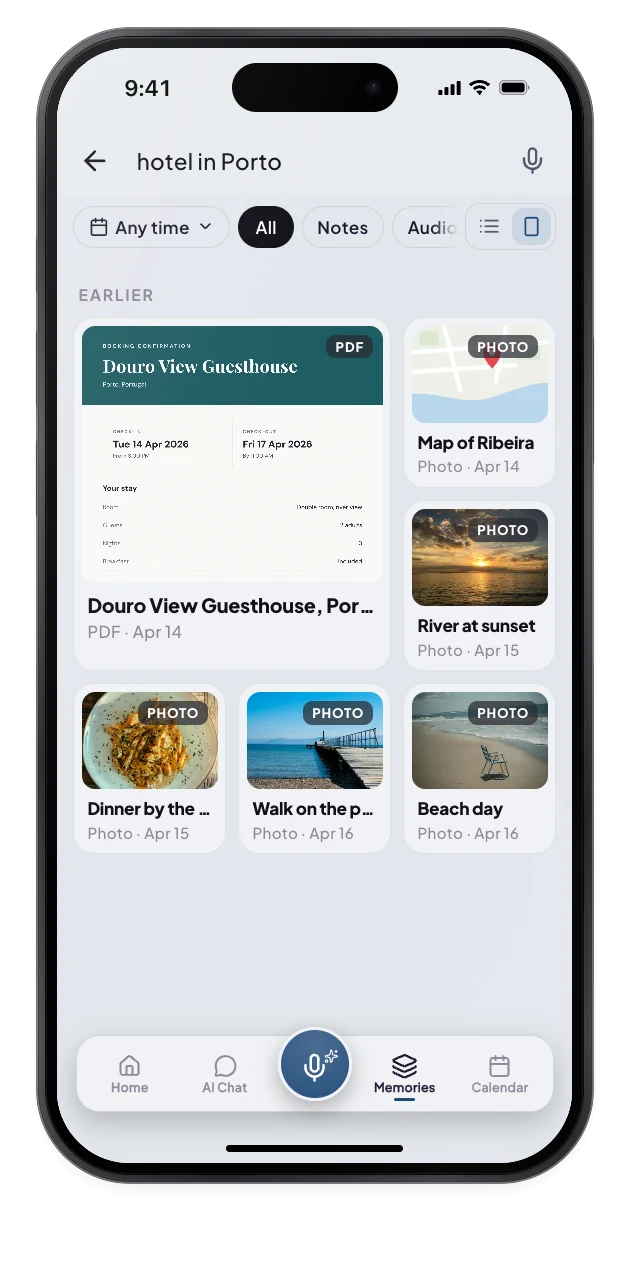
3The match appears
What changes for you.
The right memory shows up, and you can narrow it by date and kind.
Private by architecture: a search reads your own memories only, and every read is logged.
Type
Search words from the memory.
Speak
Ask out loud, in any language.
Shake
Shake the phone to open search.
Questions
How do I search my memories?
Open Memories and use the search field. Describe what you remember in your own words. MemX shows matching memories as a thumbnail wall and lets you filter by date and kind.
What is shake to search?
Shake your phone twice quickly and the search field opens. It is a setting you can turn on or off in Settings, under Data and Privacy. Once search is open, type or speak what you remember. If shaking ever opens search by accident, switch it off in Settings.
Can I search by voice?
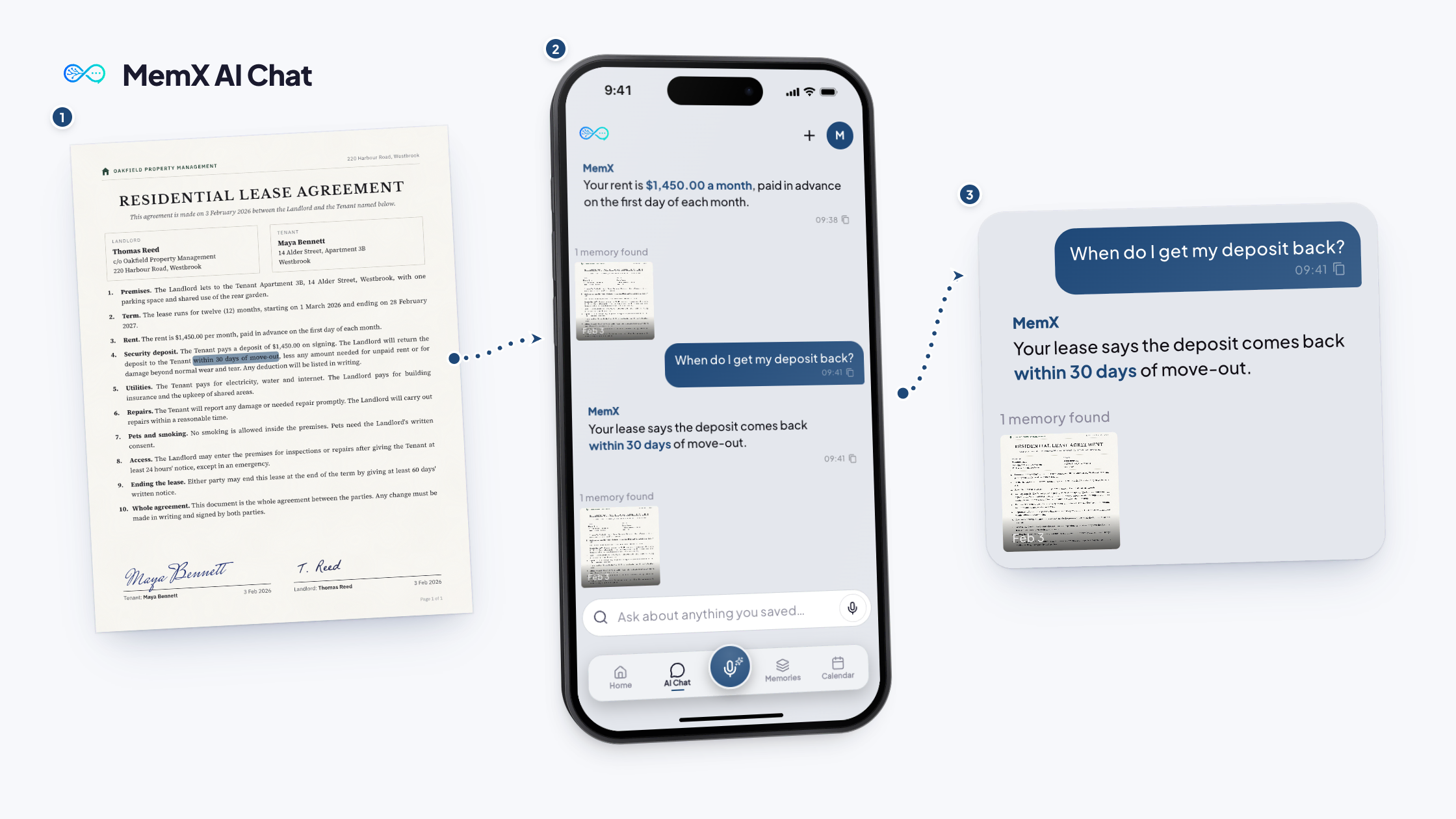
Yes. Tap the microphone in the dock and ask, or tap the mic in the search field. MemX understands you in any language. Your words are sent through the same Ask flow as typed questions. The answer appears on screen with its sources.
Does search work offline?
Memories you opened recently are cached for browsing. Searching and asking questions need a connection. Thumbnails and recent files stay available on your phone. New searches and answers need a connection to reach your library.
Get MemX. Stop scrolling.
What you half remember is enough to find it.
Free to start. No exact names needed.