Settings and Privacy
Your phone, your papers, your call.
App Lock, masked numbers, a copy of your data and account deletion, all in Settings.
A friend borrows your phone to look at a photo. Your saved papers are right there.
Free to start. Control lives in Settings.
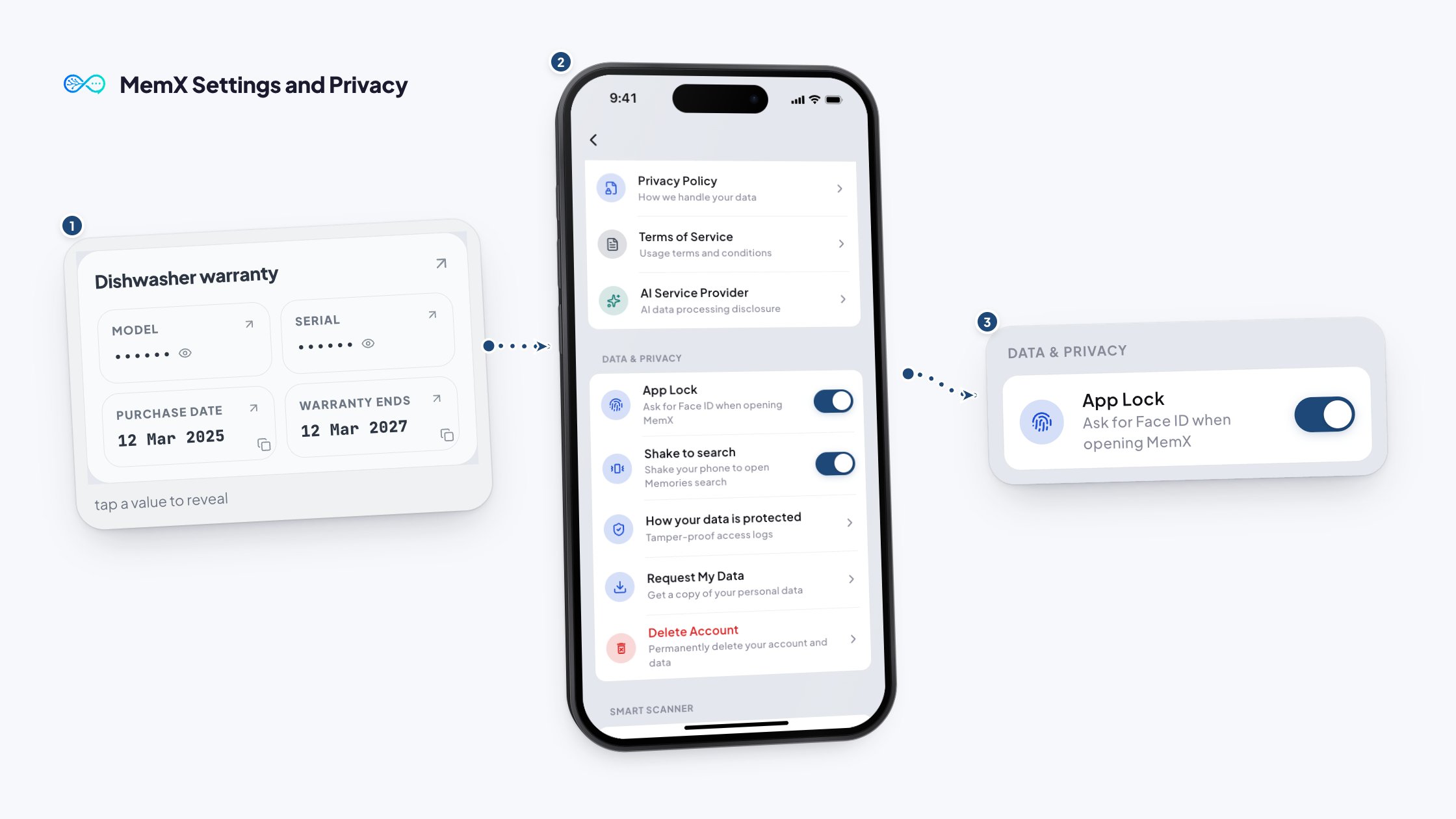
How it works
Three steps.
Turn on App Lock, and your papers stay closed.
Free to start. Control lives in Settings.
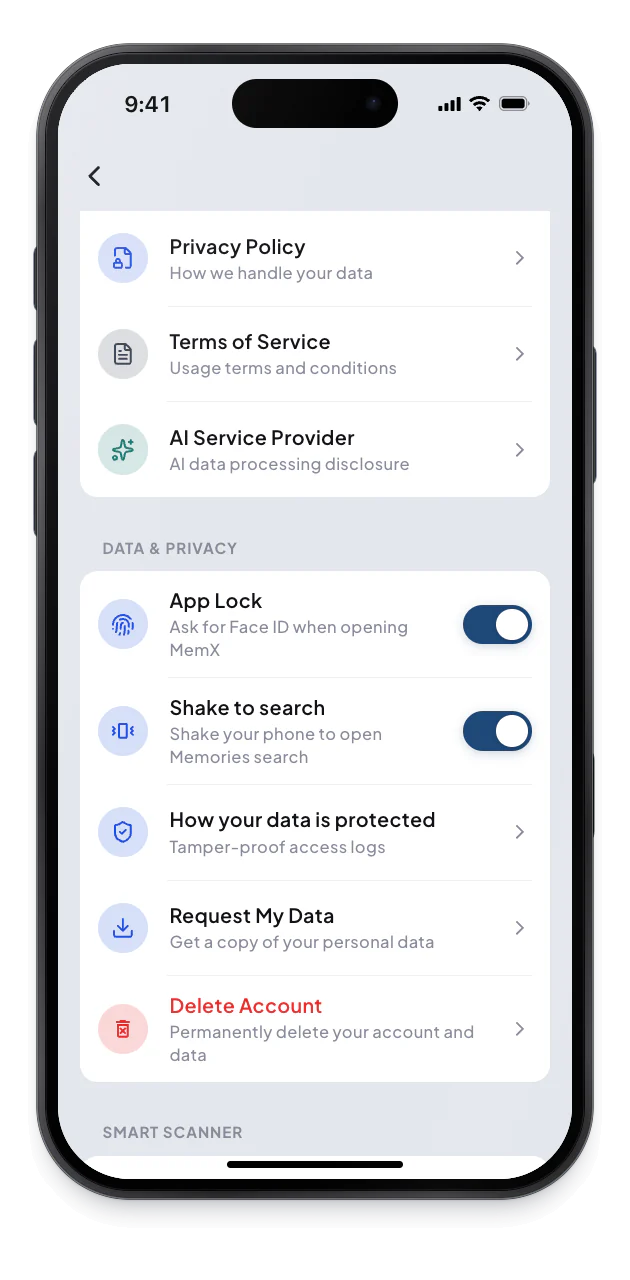
1Turn on App Lock
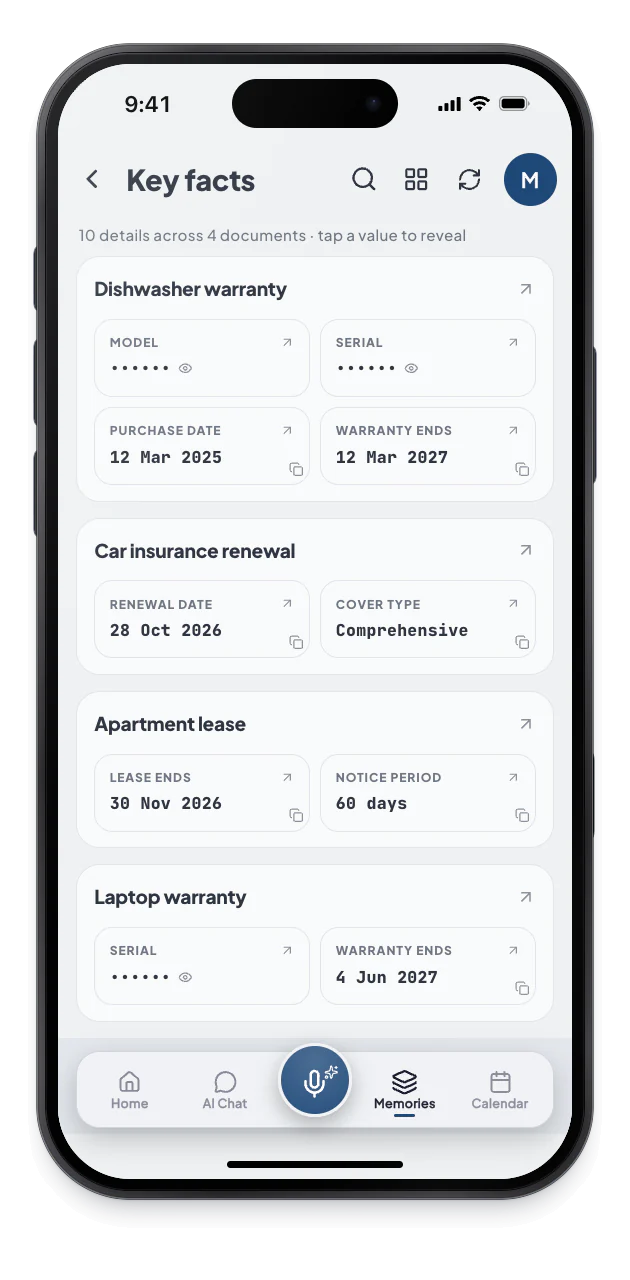
2Tap to reveal
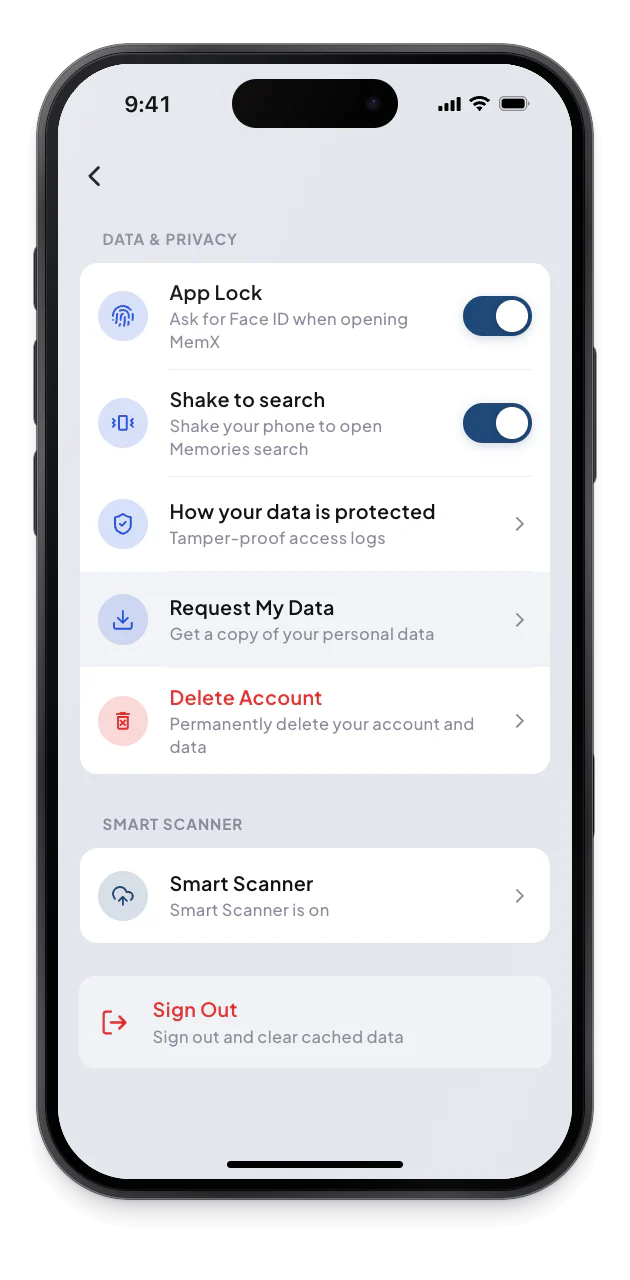
3Export or delete
What changes for you.
Your data is locked, masked, and yours to request or delete.
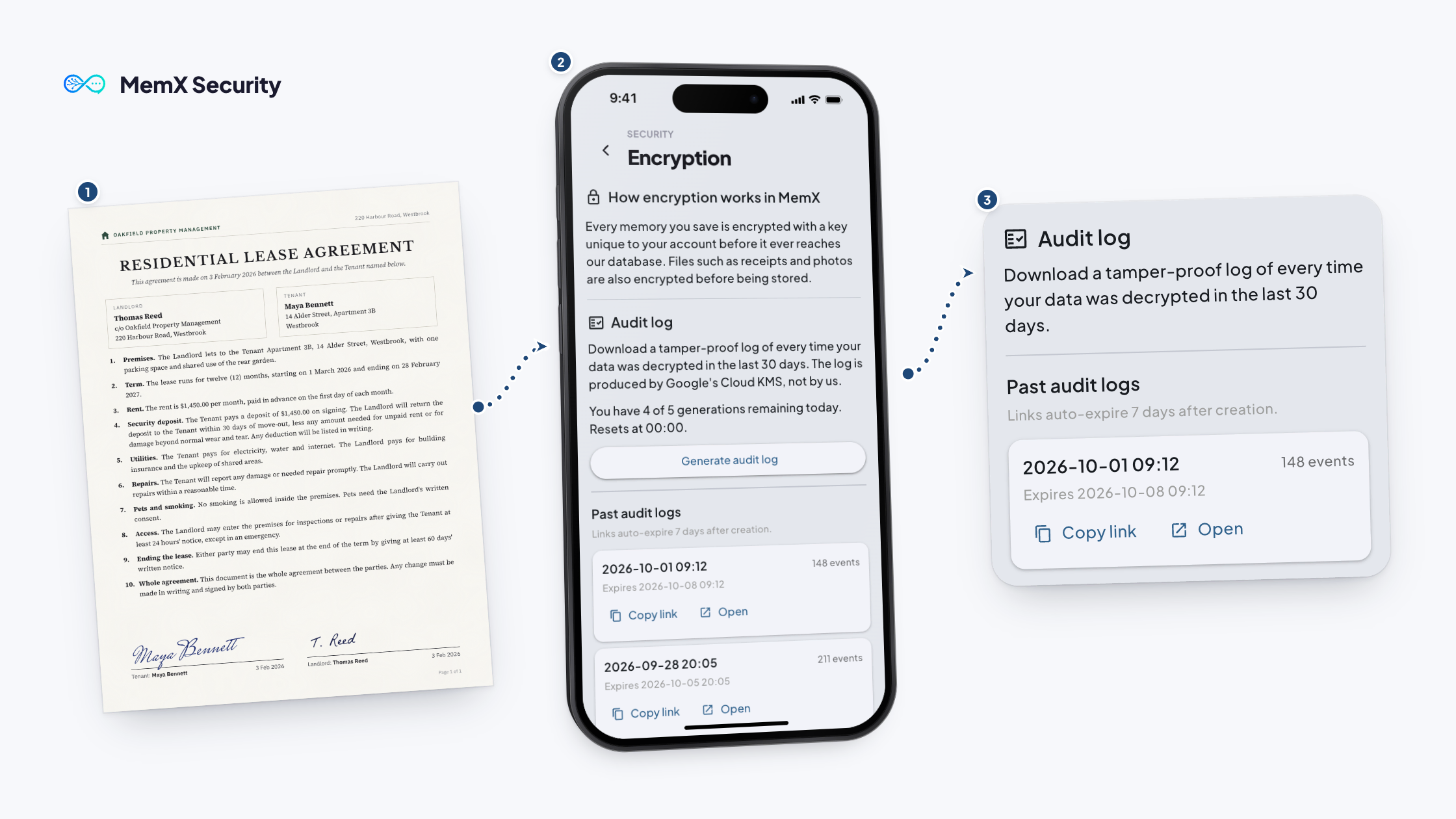
Private by architecture: a key per account, encryption at rest, every read logged.
App Lock
Face ID, Touch ID, fingerprint or PIN.
Masked
Sensitive numbers hidden until you tap.
Your data
Request a copy or delete it.
Questions
How does App Lock work?
App Lock asks for your fingerprint, face or PIN when you open MemX. It is optional, set per device, and uses the biometric method your phone has.
Are sensitive numbers hidden?
In Rediscover, sensitive numbers are masked by default. Tap one to reveal it. The raw value is not cached to your phone's storage, and a copied value is cleared from the clipboard.
Can I get a copy of my data?
Yes. Settings lists Request My Data, which gives you a copy of your personal data. You can use it to keep a personal record, or before you decide to leave. Find it under Data and Privacy.
Can I delete my account?
Yes. Delete Account permanently removes your account and data. It cannot be undone, so MemX asks you to confirm. Export your data first if you want a copy. Deleting is a deliberate step in Settings, and MemX asks you to confirm.
Download MemX. Stay in control.
You can lend your phone and your papers stay closed.
Free to start. Control lives in Settings.