Control an Android Phone by Voice When Your Hands Shake
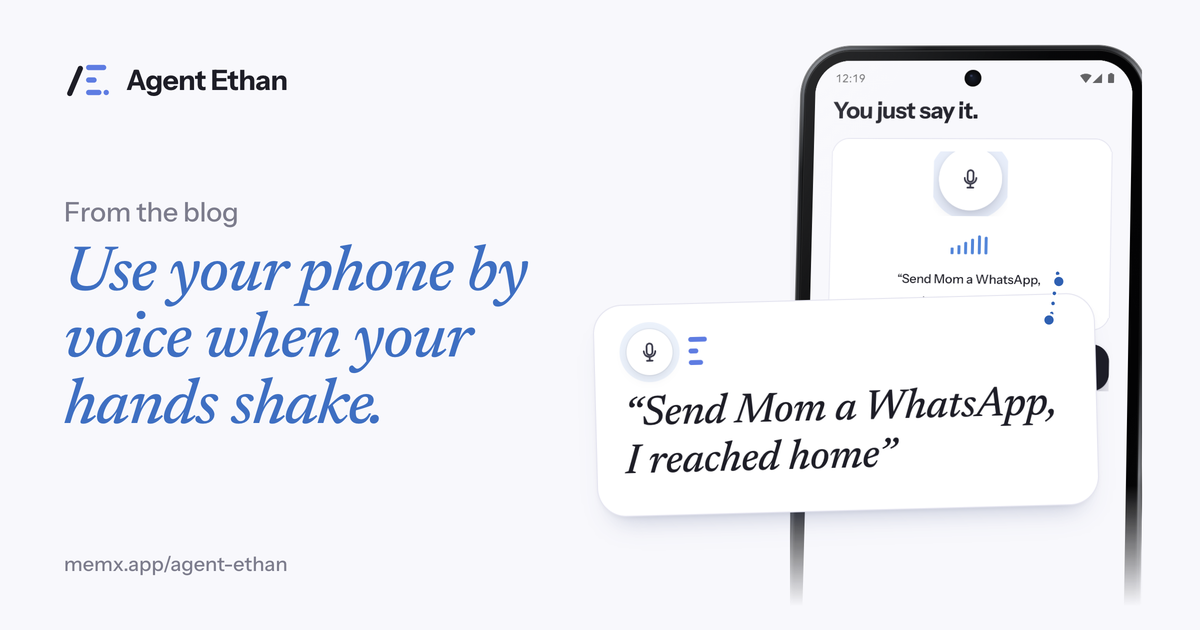
You can control an Android phone by voice, even when your hands shake, by saying a task out loud to Agent Ethan. Ethan opens the app, reads the screen and does the small taps, typing and scrolling for you, so one sentence replaces a dozen precise touches. This guide explains why a shaky hand makes phones so hard, what a voice command actually does on screen, and where Ethan deliberately hands the phone back to you.
Why a touchscreen is hard when your hands shake
A touchscreen asks for something very specific: a steady fingertip landing on a small target. The NHS describes a tremor as not being able to control shaking or trembling in part of your body, and lists causes ranging from ageing, stress, tiredness and caffeine to medicines and conditions such as Parkinson's disease and multiple sclerosis. The NHS also says to see a GP if a tremor is getting worse or getting in the way of daily activities.
Parkinson's is a good example of why phones become frustrating. The NHS names involuntary shaking, slow movement and rigid muscles as its three main symptoms. None of those pair well with a row of tiny icons, a keyboard with narrow keys, or a button that moves just as you reach it.
The result is not only a missed tap. It can be a wrong message, an app opened by accident, or a screen you have to back out of and start again. Voice control takes over the precise tapping that your hand finds hardest, so a small job does not have to cost a big effort.
What saying a task looks like with Agent Ethan
You tap the big microphone and speak the way you would to a helpful person. Try "Send Mom a WhatsApp, I reached home", "Set an alarm for 7:30" or "Call my doctor's clinic". If you turn on the floating button in Settings, you can start from any screen with it. You can also long-press the Agent Ethan app icon to start listening straight away, so you do not need to hunt for a button first.
Ethan answers with a short plan on screen, headed "On it", listing the steps it intends to take. While it works, a small pill stays on top of the screen showing what it is doing. A hollow gold ring marks the control it is about to press, so you can follow along without guessing. If you would rather not watch, you can choose in Settings for Ethan to speak out loud as it goes.
- Speak your task, or type it if your voice is tired that day.
- Read the plan, then let Ethan open the app and work through the screens.
- Watch the pill and the gold ring, or listen to Ethan narrate.
- Take the phone back whenever you like with Pause or Stop on the pill.
Tasks that suit voice control best
The tasks that wear a shaky hand down the most are the ones that cross several screens. Sending a message needs you to open the app, find the person, tap into the box, type, and press send. Each step is a chance for a mistake. With Ethan you say it once.
Everyday jobs that fit well include sending a message, placing a call, setting alarms and timers, having your latest messages read to you, and playing music or devotional audio on YouTube. For something like booking a cab, Ethan can fill in the details and then stop before the payment, which is covered further down.
Typing deserves a mention. Hands that mis-tap produce typos, and correcting a typo means more mis-taps. Because Ethan types the text for you, you do not depend on fingers landing on narrow keys. Speech recognition can still mishear a name or a word, so look at what it typed before it goes out.
How Ethan keeps you in charge
Handing over your taps is only comfortable if you can see and stop what happens. The Pause button on the pill holds a task where it is, and from there you can continue or stop. Every step is visible as it happens, and Settings has a button to clear the list of past tasks whenever you want.
By default, Ethan asks before it sends a message or makes a call. It types the message, stops, and presses Send only after you say go ahead. Once you trust it, the Autonomy choice in Settings lets you move to a level where Ethan may press Send or Call itself when it is sure of the contact, and it still asks if it is unsure. If Ethan is unsure which contact, app or option you mean, it shows numbered choices on screen. You answer by voice, by saying the number, or by tapping, whichever is easiest right then.
By default Ethan also stops before Pay, Buy, Book, Send money and permanent deletions, and hands the phone back to you. The app's own safety screen lists changing critical settings, such as a factory reset or removing an account, and touching passwords, PINs or one-time codes as things it will not do even if you ask. That keeps the actions that cannot be undone in your hands, literally, and in your decision.
The Android feature that makes this possible
Ethan works through Android's Accessibility Service. Android's developer documentation says accessibility services can perform actions such as clicking buttons or scrolling lists on behalf of the user, and that they work with the on-screen elements an app exposes, such as text, buttons and lists. That is the same route Ethan uses to read a screen and press what you asked for.
Because this is a powerful permission, you switch it on yourself: Ethan guides you to Android's Accessibility settings, where the service has its own On/Off switch. Ethan reads the screen only while a task you started is running, and it does not start tasks on its own. You can turn the service off in Settings at any time.
Ethan is not a medical tool and does not treat a tremor or any condition. It helps you operate a phone. If your shaking is new, getting worse or affecting daily life, the NHS advice is to talk to a doctor.
Frequently asked questions
Can I use my voice to operate an Android phone if I can't tap accurately?
Yes. With Agent Ethan you speak or type a task, and it does the taps, typing and scrolling inside your apps. You can pause or stop it at any moment, and by default it hands the phone back to you before a payment, a booking or a permanent deletion.
Does Agent Ethan work with Parkinson's, essential tremor or arthritis?
Ethan is built for people whose hands cannot reliably hit small buttons, including tremor, arthritis, RSI or one-handed use. It does not diagnose or treat any condition. It simply replaces many precise taps with one spoken request.
Will Ethan send my messages without checking with me?
By default, no. Ethan asks before it sends a message or makes a call. In Settings, the Autonomy choice can let it press Send or Call itself when it is sure of the contact. Payments are a separate line: by default Ethan stops before them and hands the phone back to you.
Sources
Ready to try it? Download Agent Ethan or read how it works.