Agent Ethan vs Switch Access on Android
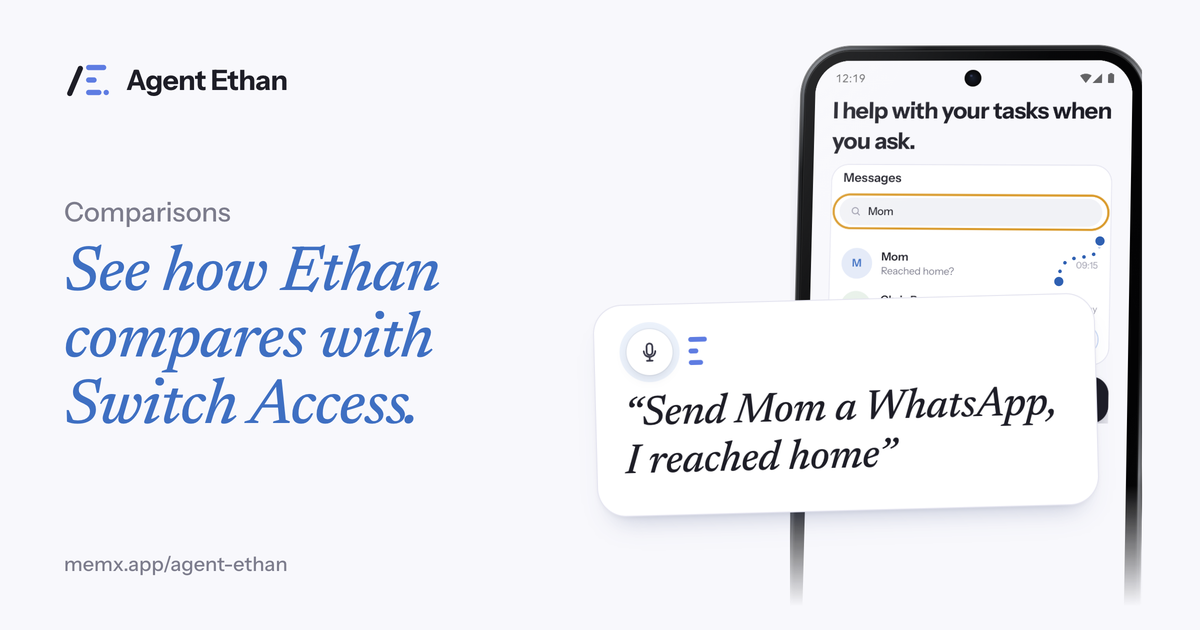
Switch Access and Agent Ethan help people use a phone without precise touch, but one runs on switches and the other on your voice. Switch Access scans the items on screen and you pick one with a switch. Agent Ethan listens to a task you speak and does the taps for you. Which one fits depends mostly on whether speaking is easy for you, so this post sets out both honestly.
What Switch Access is
Google describes Switch Access as a way to interact with an Android device using one or more switches instead of the touchscreen. Google says it can be helpful if you can't interact directly with your device.
It works by scanning. Google's help page says Switch Access scans the items on your screen, highlighting each item in turn until you make a selection. The switch is how you say "that one".
Google's page describes the switches as external devices that send a keystroke signal over USB or Bluetooth, a standard USB or Bluetooth keyboard with keys assigned to actions, or built-in buttons on the phone, such as the volume buttons, assigned to actions. The page also links to a separate help topic on camera switches. It talks about using one or more switches, and it links to guides for setup.
Because the input is a switch press rather than a touch, you do not need to aim at a small target. The likely trade-off is time: stepping through highlighted items one by one can take longer than pointing, and a long task can mean many presses.
What Agent Ethan is
Agent Ethan is voice control that works at the level of a whole task. You say it, Ethan opens the app, reads the screen through Android's Accessibility Service, and performs the taps, typing and scrolling. It shows a plan first and keeps a small pill with Pause and Stop on screen.
Ethan needs no extra hardware, only the phone and its microphone. It is built around speaking a request, although you can type a task instead (typing needs touch), and it needs an Android 11 or newer phone with accessibility permission turned on. It works in many spoken languages.
By default it asks before it sends a message or places a call, and it stops before paying, buying, booking, sending money and permanent deletions, which matters when a mistaken press is costly. An optional setting lets it act with fewer questions, though it still stops before paying.
In practice that means someone with a shaky hand could say "Set an alarm for 6:30 tomorrow morning" and watch the plan appear, rather than steering through the clock app. Ethan marks each control it is about to press with a gold ring, so you can follow what is happening on the screen.
The real difference: input method
The core difference is what you do to give an instruction. With Switch Access you press a switch at the right moment as the highlight moves. With Ethan you talk.
That makes them answers to different problems. Google says Switch Access can be helpful if you cannot interact directly with your device, and a switch is the input it is built around. Ethan exists for people who can speak but find tapping hard, for instance because of tremor, arthritis, or a hand that is busy.
There is also a difference in granularity. Switch Access gives you direct control of every selection, which can mean many presses for a long task. Ethan compresses a long task into one sentence, though it chooses the taps itself, which is why it shows its plan first.
Another point is who sets things up. Setting up Switch Access means choosing your switches and assigning keys or buttons to actions, as Google's page describes, and some people get help from a carer or therapist. Ethan's setup is different: you sign in, grant accessibility permission, and then say a task.
- Hardware: Switch Access works with one or more switches (an external switch, a keyboard, a device button, or a camera switch). Ethan needs only the phone and a microphone.
- Speech: Switch Access does not depend on speaking. Ethan is built around it, with typing as a touch-based alternative.
- Control: Switch Access selects one item at a time. Ethan performs a chain of steps from one request.
- Safety: by default Ethan does not pay, buy, book or delete on its own. With Switch Access, you make every selection yourself.
Which fits which person
If speaking is difficult, unreliable or tiring for you, and typing a task is not practical either, Switch Access is likely the better fit, because Ethan is built around speech. If you have a switch setup that already works well for you, there may be little reason to change.
If you can speak clearly and your struggle is with small targets, shaking hands or long multi-screen tasks, Ethan may save you a lot of effort. Someone whose tremor varies through the day might even use a switch on tired days and Ethan on steadier ones.
A clinician or occupational therapist who knows your needs can tell you which input method suits your body. Ethan makes no medical claims and does not replace professional advice.
There is no prize for choosing the more modern tool. The best setup is the one you can use on a bad day, with tired hands or a busy week, without anyone having to help you.
Trying Ethan out gently
Ethan is free to start with a daily allowance, so you can test it on a few ordinary tasks. Pause and Stop are on the pill while a task runs.
If you are not sure which method suits you, treat this as a test: try the same simple task, like setting an alarm, with each one and notice which feels easier and less tiring.
Frequently asked questions
Does Switch Access need extra hardware?
Google's page describes using one or more switches. Switches can be external devices, a keyboard with keys assigned to actions, or built-in device buttons, and Google also has a help topic on camera switches.
Can I use Ethan if I cannot speak?
Ethan is built around spoken requests. You can type a task instead, but that needs touch, so if neither speaking nor touching works for you, Ethan is probably not the right tool. Switch Access is built for input with switches instead of the touchscreen, and it does not rely on speech.
Can I use both?
Possibly, depending on your needs and setup. Try them separately first, and ask a professional who knows your situation if you are unsure.
Sources
Ready to try it? Download Agent Ethan or read how it works.