Agent Ethan vs Voice Access on Android
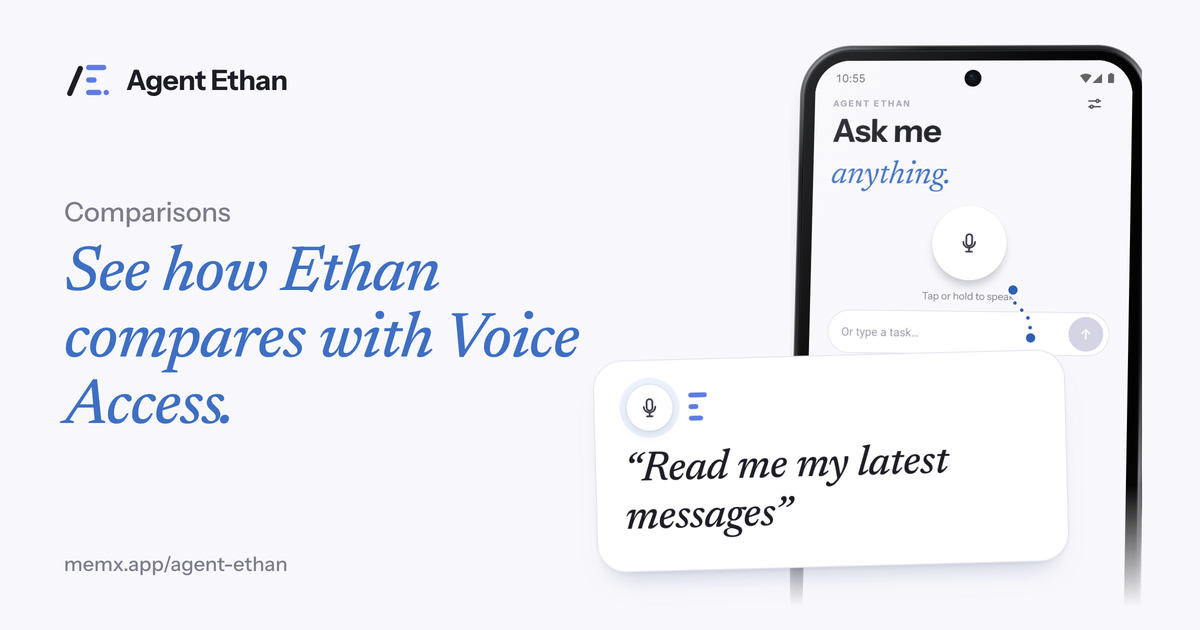
Voice Access and Agent Ethan both let you use an Android phone by speaking, but they work at different levels. Voice Access is Google's accessibility app, and you steer the phone one step at a time with short commands such as "Show numbers" and "Tap 7". With Agent Ethan you say the whole task once, such as "Send Mom a WhatsApp, I reached home", and Ethan reads the screen and does the steps. Neither is the right answer for everyone, so this post explains which fits which person.
What Voice Access is
Google describes Voice Access as an Android accessibility app that lets you control your device with spoken commands, so you can open apps, navigate and edit text hands-free. You turn it on in Settings, under Accessibility, then Voice Access. According to Google's help page as read on 1 October 2026, you can start listening with the floating Voice Access shortcut button, from the Voice Access notification, by opening the Voice Access app, or by saying "Hey Google, start Voice Access". The page says Voice Access needs permission to use the microphone and to show a silent notification.
The way you work with it is by naming or numbering what is on screen. Google's command guide lists "Show numbers", which displays numbers over the items you can interact with, and then you say the number, or "Tap" and the number. "Show grid" gives you grid-based navigation for places where numbers are not enough. Scrolling ("Scroll" with a direction), typing ("Type" and a word or phrase) and navigation ("Go back" and "Go home") each have their own commands.
In short, Voice Access gives you a voice version of your finger. You still decide every tap, you simply say it instead of touching the glass.
What Agent Ethan does differently
Agent Ethan is an Android accessibility service that works at the level of the task. You say what you want done, Ethan shows a short plan, then it opens the app and makes the taps, typing and scrolling itself. While it works, a small pill stays on screen with Pause and Stop, and a gold ring marks the control it is about to press.
The difference shows up in a task with many screens. Sending a message in a chat app can mean opening the app, finding the contact, tapping the message box, typing, and pressing send. With Voice Access that is a series of short commands, each one yours. With Ethan it is one sentence, and if Ethan is unsure it asks you, with numbered choices on the screen that you can answer by voice or by tapping.
Ethan also adds guard rails of its own. By default (Settings, Autonomy, "Asks before Send or Call") it stops before it sends a message or places a call and asks you to confirm, and it does not pay, buy, book or delete on its own. An optional setting lets Ethan act with fewer questions, though it still stops before paying.
Side by side
Here is a plain comparison of the two, using only what each product says about itself.
- Who decides each step: with Voice Access you give each command; with Ethan you give the goal and it chooses the steps, showing its plan first.
- Precision: Voice Access lets you say a number or use the grid to choose a specific spot on the screen. Ethan decides where to press, though the gold ring shows you before it does.
- Setup: Voice Access is a Google accessibility app that you switch on in Android settings. Ethan is a separate app that you install and give accessibility permission to.
- Speed on long tasks: one spoken sentence is usually shorter than a chain of commands, but a chain of commands gives you more control along the way.
- What leaves the phone: Ethan sends screen text and sometimes a screenshot to an AI service while a task runs, and it explains this in its privacy pages. Check Google's own pages for how Voice Access handles audio.
Which fits which person
Voice Access may fit you better if you like to stay in charge of each step, if the task is short (open an app, scroll, tap one button), or if you want something that is part of Android itself. It is also a good tool for editing text by voice, since it has dedicated typing commands. If you are comfortable learning a set of commands, the control is very fine-grained.
Agent Ethan may fit you better if remembering and chaining commands is tiring, if a task crosses several screens, or if you would rather speak the way you would to a helper. It is built for people whose hands shake or mis-tap, for low vision, for older adults, and for people who prefer to speak in their own language.
Some people will want both. Use Voice Access for a quick precise tap, and Ethan for the longer chores. If you try them, try one at a time so you can tell what each is doing, and read each product's own help page for current details such as supported languages.
How to decide in ten minutes
Pick two tasks you do often. One should be small, like turning on a setting. One should be a chore with several screens, like sending a message to a family member. Try both with each tool.
Notice which one leaves you less tired and less likely to make a mistake. That is the one to keep. If the answer is different for the two tasks, that is a fine result too.
If you want to try Ethan, the download page lists what you need, including an Android 11 or newer phone.
Frequently asked questions
Is Voice Access part of Android?
Google describes Voice Access as an Android accessibility app, and its help page explains how to switch it on under Settings, Accessibility, Voice Access. Features, languages and steps can depend on your device and the Voice Access version, so check Google's page for your phone.
Can Agent Ethan replace Voice Access?
It depends on what you need. Ethan handles whole tasks from one spoken request, while Voice Access gives you step-by-step control with numbers and a grid. Some people use whichever suits the job.
Do I have to learn commands for Ethan?
No fixed command list is needed. You say the task in your own words, and Ethan shows a plan before it starts.
Sources
- Use Voice Access to control your Android device (Google Accessibility Help)
- Voice Access basic commands (Google Accessibility Help)
- AccessibilityService (Android Developers)
Ready to try it? Download Agent Ethan or read how it works.