Just say it, and MemX remembers.
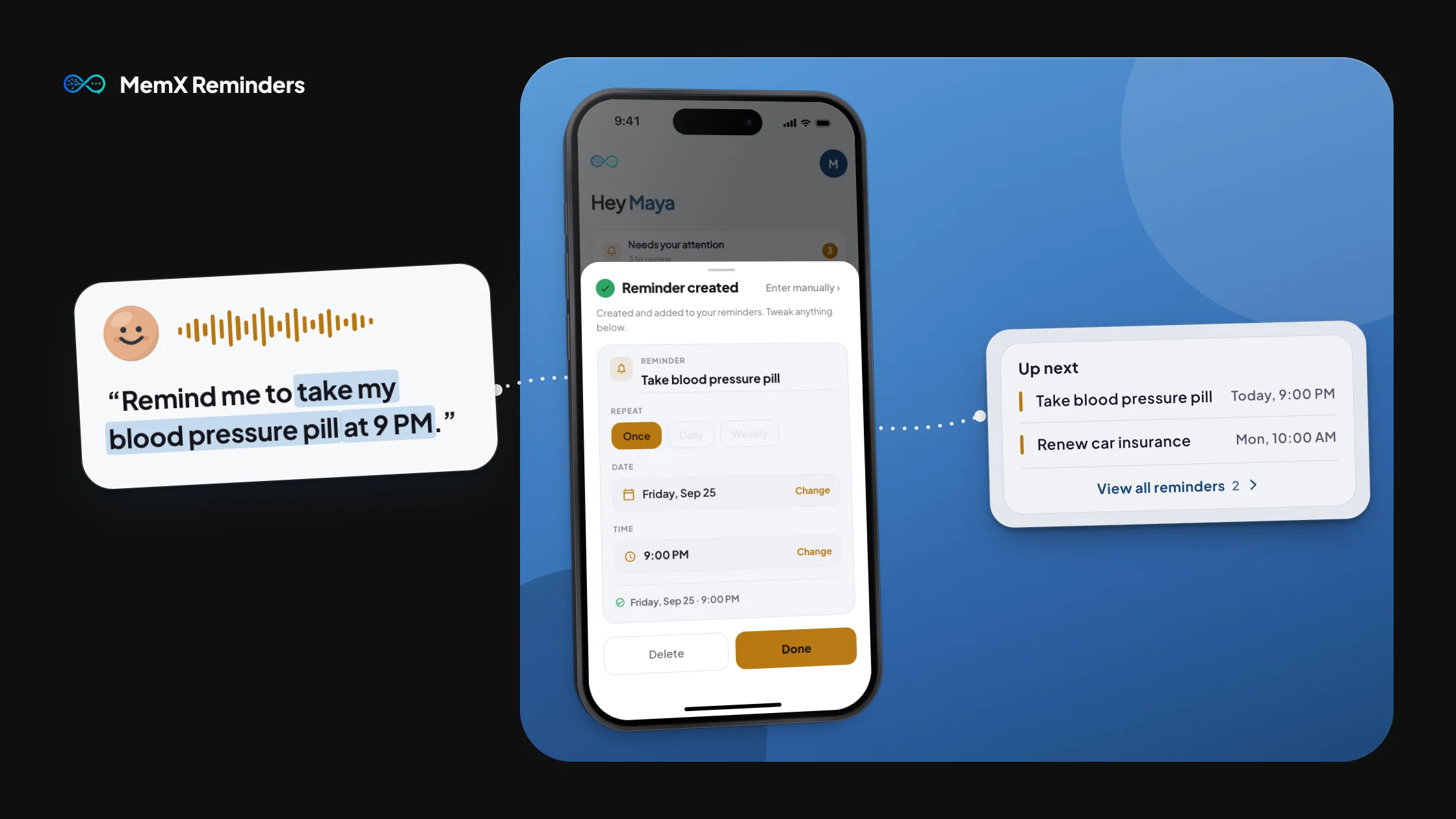
You do not need a form or a date picker to remember something. Tell MemX what to remember, in your own words, and it understands the date, the recurrence and the context, then nudges you exactly when it matters.
Try MemX Free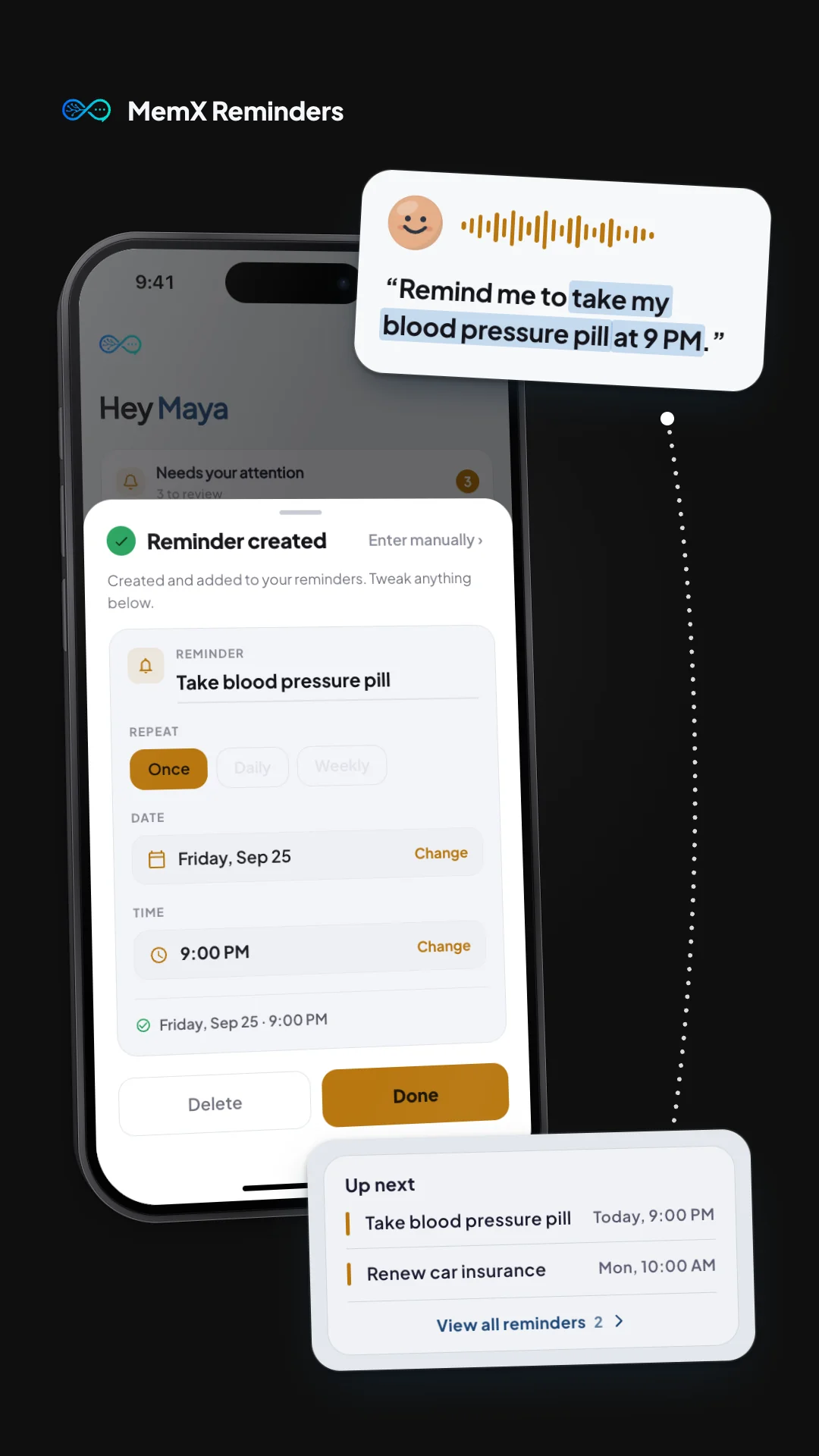
How It Works
Say or type it naturally
"Remind me to pay rent on the 3rd" or "call the dentist next week." Talk to MemX the way you would talk to a person.
MemX understands the details
The date, the recurrence and the context are worked out for you. There is no calendar to open and no fields to fill in.
Get nudged right on time
A reminder shows up when it matters, not as one more notification lost in a pile of others.
Why Use This Feature
No forms, no date pickers
Just say what you need to remember, in plain language, and MemX turns it into a real reminder.
Recurring reminders just work
Say "antibiotics twice daily for five days" or "rent on the 1st every month" and MemX turns it into a real recurring schedule, not a one-off note.
Works with MemX Smart Scanner
Scan a lease or a prescription and MemX can turn what is inside it into a reminder, so you find out in time instead of after the fact.
Nudges you, not spam
Reminders arrive when they matter, on WhatsApp or by push, instead of piling up as notifications you learn to ignore.